
TikTok Username Search: Find Accounts, Change Yours
By David James · Published · Updated · 7 min read · Editorial policy
Free, no sign-up. Checks 3,450+ sites; the username is not stored or logged.
TikTok accounts have two names, and mixing them up is the main reason searches fail. The username is the unique @handle that makes up the profile link. The nickname is the name shown on the profile and next to videos, and it does not have to be unique. If you are looking for someone, the username is what gets you to exactly one account. This guide covers how to search by it, and what to know before you change your own.
Key takeaways
- Open
tiktok.com/@usernameto reach an account directly. Keep the @. - In-app search matches usernames and nicknames. Switch to the Users tab.
- You can change your username once every 30 days. It must be 2 to 24 characters.
- A Not found from any outside tool is a lead. TikTok's Edit profile screen is the final word.
Open the profile link directly
The fastest way to reach a known account is its profile link. TikTok's help center describes the username as a tag, like @username, that "makes up your profile link." So if you know the handle, you know the address: tiktok.com/@username. Type that into a browser and you land on the profile.
Unlike Instagram or X, TikTok keeps the @ in the URL. tiktok.com/@mia.bakes works; tiktok.com/mia.bakes usually does not. Beyond that:
- Usernames use only letters, numbers, underscores and periods, so if someone gives you a handle with a dash or a space, something got lost along the way.
- A period can sit in the middle of a username but not at the end.
- "Couldn't find this account" usually means nobody has that exact handle right now. It can also mean the account was banned, deleted or renamed.
Profile links are also how most people share accounts, through the Share profile button or a link in another bio. If you received a short link, opening it in the browser or the app will resolve to the same @username address.
Search inside the app
In-app search works when you only know part of a name. If you only remember part of the name, open the Discover or search screen, type it, and switch to the Users (or Accounts) tab so you see profiles instead of videos. TikTok matches both usernames and nicknames here, which is helpful when you know a creator's real name but not their handle.
Because nicknames can repeat, you may see a whole list of accounts with the same display name. The username under each one is what tells them apart. Before following or messaging, compare the profile photo, the videos and the follower count with what you expect. Copycat accounts that borrow a creator's name and photo with a slightly different handle are common on TikTok, particularly for popular creators running giveaways.
Private TikTok accounts still appear in search. You can usually see the username, nickname, photo and bio, but the videos stay hidden until the owner accepts your follow request.
Other ways to find a TikTok user
Other options are contact syncing, QR codes and trying a handle from another site. If search keeps failing, TikTok's own user finder tools may work better than guessing at spellings. On your profile, the add-friends icon opens a screen where you can find friends from your phone contacts or other linked accounts, if you choose to sync them. People only appear there if their own settings let others find them that way.
Every profile also has a QR code under the share option. If you are standing next to the person, ask them to show it and scan it with the scanner in TikTok's search bar or your phone camera. That lands on the exact account, with no lookalikes in the way.
Outside the app, a web search for the person's name plus "TikTok" sometimes finds a profile that lists them under their real name. If you have their handle from another site, try it on TikTok too, since many creators reuse one. A search across 3,450+ sites shows where that handle has a public profile. Treat a match as a lead to check, not proof it is the same person.
TikTok search username without the app
You do not need the app to find a TikTok account. In a browser, open tiktok.com/@username to go straight to the profile, or use the search box on tiktok.com to do a TikTok search for a user by name or keyword. Logged-out browsing may show fewer results and prompt you to sign in. If the profile link says the account cannot be found, the handle is wrong, was changed, or the account was removed.
The rules for changing your TikTok username
You can change your username once every 30 days, within 2 to 24 characters. At the time of writing, TikTok's help article on changing your username lists these points:
- You can change your username once every 30 days.
- It must be 2 to 24 characters long.
- Only letters, numbers, underscores and periods are allowed, and it cannot end with a period.
- Changing your username also changes your profile link.
- If you give up a username, you cannot put it on an account again for a short period of time.
- Names held by suspended or deactivated accounts may not be available right away.
- If you are blocked from updating your profile, you cannot change it at all.
The steps themselves are short: tap Profile, then Edit profile, then Username, type the new name and tap Save. Verified accounts have to contact TikTok to change their username instead.
Your nickname works differently. It lives in the same Edit profile screen, it can hold spaces and a full name, and it does not need to be unique. If what you want is a different name to show on your videos, change the nickname and leave the username alone.
What to check before you switch
Check that the new name is free and list every place your old link appears. The 30-day limit is the part that catches people out. Pick a name, dislike it a day later, and you are stuck with it for a month. Worse, your old handle is released, and after the short hold TikTok mentions, someone else could claim it. A few things are worth doing before you tap Save:
- Check that the new name is free on TikTok. Our TikTok username checker looks up the profile link and shows the rules beside the result. The Edit profile screen will also tell you instantly if the name is taken.
- Check it on the other networks you use. A consistent handle is easier for people to find. You can check one username across 3,450+ sites at once, up to five names per search, free and with no sign-up.
- List the places your old link appears: your Instagram bio, your YouTube channel, a link page, business cards. Every one of those will break when the link changes, so update them the same day.
- Say the name out loud. If you mention your handle in videos, underscores are hard to hear and periods are easier ("mia dot bakes").
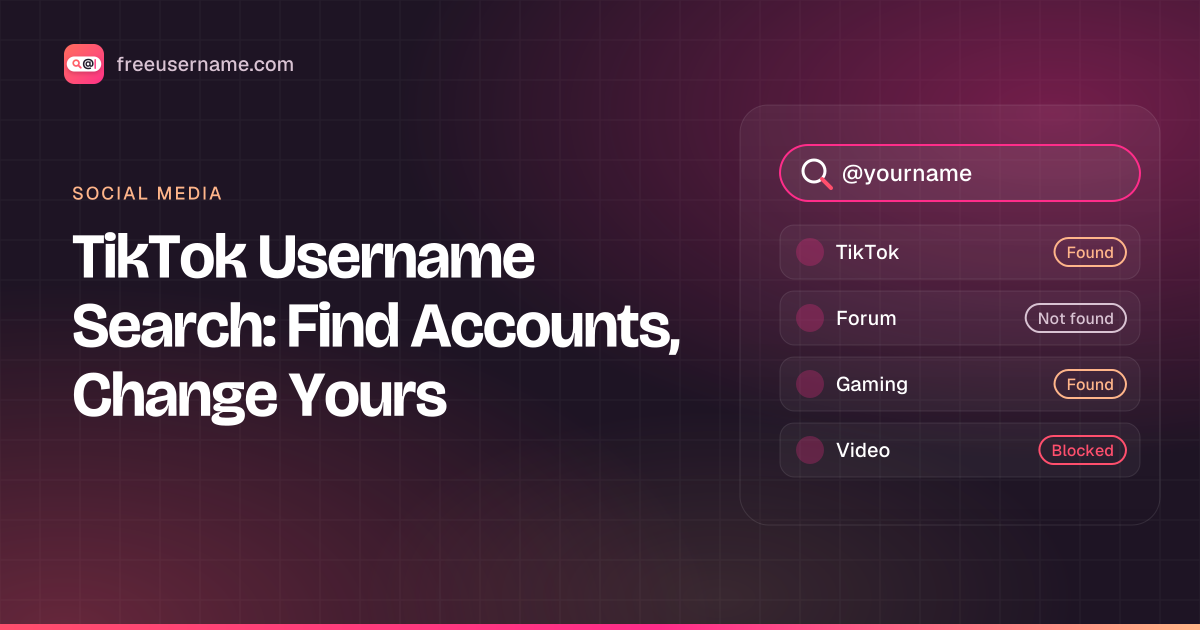
Our tool reports each site as Found, Not found, Blocked or Unknown. These are leads, not facts. TikTok in particular sometimes answers automated lookups with a challenge page, which shows up as Blocked. And a "Not found" from any outside tool is not proof the name is free, because suspended and deactivated accounts can hold a name without a visible profile. TikTok's own Edit profile screen is the final word. The username you check is sent to our server only to run the lookup and is not stored or logged.
A worked example: say you want to rename to nightowl92. Open tiktok.com/@nightowl92. If it says "Couldn't find this account", the handle may be free, or held by a banned or deactivated account. Run it through the checker, then type it in Edit profile. If TikTok rejects it, try nightowl.92, which fits the rules because the period is in the middle.
If the name you want is taken
If the name is taken, adjust it slightly rather than trying to get it from the owner. Add a period or underscore in the middle, or a word about what you post (mia.bakes, miacooks). Niche words also help people find you in search. If an account is using your trademark or impersonating you, use TikTok's reporting tools rather than trying to buy the name from the owner. Our article on choosing a unique username has more ideas, and the Instagram username guide covers the same questions for Instagram.
Need a new handle before you change it? Browse these TikTok username ideas.
Quick answers
Can I search TikTok without an account?
You can open tiktok.com/@username in a browser. Search and following work best with an account.
Why can't I change my TikTok username?
Most often because you changed it less than 30 days ago, or because the new name is taken or held by a suspended or deactivated account. TikTok also blocks profile changes on some restricted accounts.
FreeUsername is not affiliated with TikTok. TikTok is a trademark of its owner.
Related tools
Check a username now. Free, no sign-up, 3,450+ sites.

Search usernames on your phone. Get the free Android app. Scans run on your device.

Related in Social media
- Social media
How to Find Someone's Alt Twitter (X) Account
How to find someone's alt Twitter account with honest methods: shared usernames, bio links and X advanced search. Plus why phone number search won't work.
· 3 min read
- Social media
How to See Previous Usernames on Instagram
What Instagram shows about old usernames: the former username count in About this account, your own account history, and why history checkers fall short.
· 7 min read
- Social media
Discord PFP Guide: Sizes, Banners and Profile Ideas
Discord pfp size, banner size and GIF rules checked against Discord support, plus profile picture ideas, a bio template and how to save an avatar safely.
· 8 min read

More from the blog
- Cute Username Ideas: 65+ Soft, Aesthetic & Short Names
- WhatsMyName Apps Is Now FreeUsername: Our Rebrand
- What's Inside a 3,000-Site Username Checker? We Opened Ours
- Who Runs the Web's Profile Pages? 3,457 Sites Analysed (2026)
- We Ran Sherlock, Maigret, Blackbird and Our Engine on the Same 10 Usernames
- The Username Format That Works on the Most Sites: We Tested 21 Formats Against 3,457 Sites’ Rules