
How to Find Your PSN ID, Gamertag, Epic Name and Other Gaming IDs
By David James · Published · Updated · 4 min read · Editorial policy
Free, no sign-up. Checks 3,450+ sites; the username is not stored or logged.
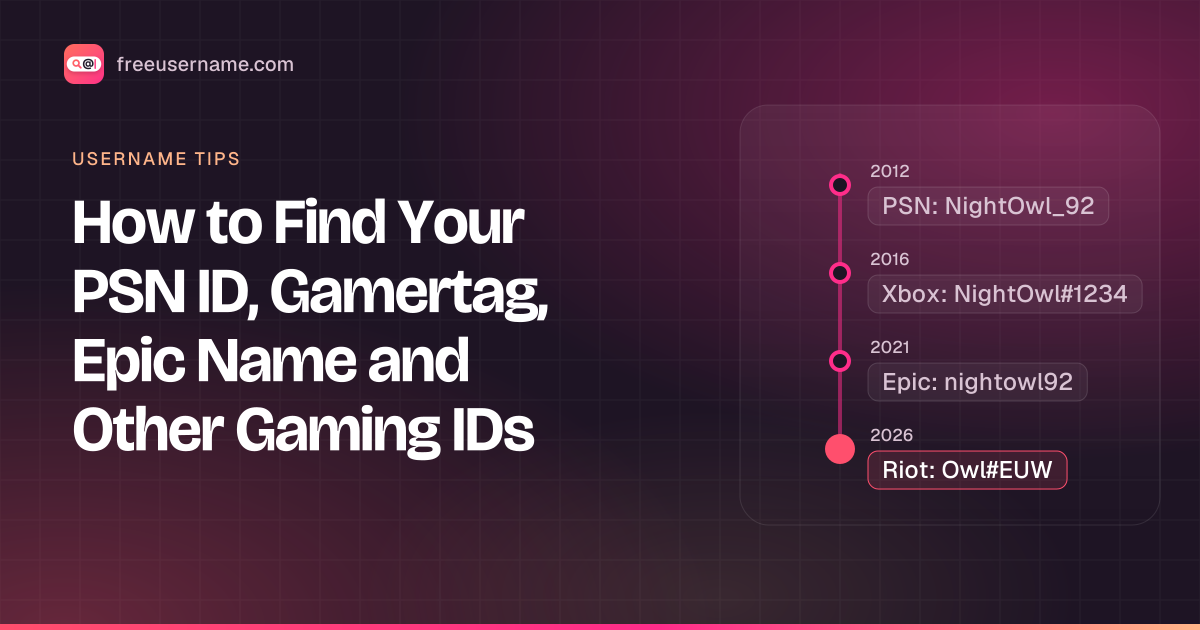
Gaming accounts often have two names: the one you sign in with (usually an email) and the public one other players see. Friends ask for the public one. Support asks for the account one. This guide shows where to find each on the main platforms. For Google, Apple, Instagram and Reddit, see what is my username.
A gaming ID is the public name other players see on a platform, such as a PSN Online ID or an Xbox gamertag. It is separate from the email you sign in with.
Key takeaways
- You sign in with an email. Your public gaming ID is a different name.
- Your ID is shown on your own profile screen on every major platform.
- Xbox gamertags and Riot IDs can include a suffix (#1234 or #EUW). Friends need it to find you.
- Steam's account name can't change. The profile name can.
| Platform | Public name | Where to find it |
|---|---|---|
| PlayStation | Online ID | Profile on the console home screen |
| Xbox | Gamertag (may have #suffix) | Profile in the Xbox app or console |
| Epic / Fortnite | Display name | Account Settings on the Epic website |
| Steam | Profile name (account name is separate) | Your name, then Account details |
| Riot | Riot ID (name#tagline) | Riot account settings |
| Battle.net | BattleTag (name#number) | Top of the Battle.net app |
| Nintendo Switch | Nickname and SW- friend code | User page from the home screen icon |
PlayStation: Online ID
Your sign-in ID is the email on your account. Your public name is the Online ID. On a PS5 or PS4, open your profile from the home screen and the Online ID is the name at the top. You can also sign in to your PlayStation account on the web and look under your profile. Forgot the sign-in email? Use the "Trouble signing in?" link on the PlayStation sign-in page.
Xbox: gamertag
Xbox signs you in with a Microsoft account. Your gamertag shows on your profile in the Xbox app and on the console. Since Microsoft's gamertag update, some gamertags carry a number suffix like #1234, and you need that suffix for others to find you. If you forgot which Microsoft account you use, Microsoft's forgot-username flow is linked from the sign-in page.
Epic Games and Fortnite: display name
Sign in at the Epic Games website with your email and open Account Settings. Your display name is listed there, and it is the name used in Fortnite. Epic lets you change the display name, with a waiting period between changes.
Steam: account name vs profile name
Steam has an account name you log in with and a profile name others see. The profile name can change any time. The account name can't. In the Steam client, click your name in the top-right corner and open Account details: the account name is at the top. If you can't sign in, use Steam's Help, I can't sign in page.
Riot ID and BattleTag
Riot games (League of Legends, Valorant) use a Riot ID made of a name plus a tagline, like Name#EUW. Find it in your Riot account settings on the web or in the client. Blizzard's Battle.net uses a BattleTag, a name plus a number, shown at the top of the Battle.net app.
Nintendo Switch: nickname and friend code
On the Switch, select your user icon on the home screen to open your user page. Your nickname and your friend code (it starts with SW-) are shown there.
Discord and Minecraft
- Discord: User Settings, then My Account. Your unique username is listed under your display name. See Discord username vs ID.
- Minecraft (Java): sign in at minecraft.net and open your profile to see the in-game name tied to your Microsoft account.
Windows: your PC username
Open Command Prompt and type whoami, or echo %USERNAME%. You can also check Settings, Accounts, Your info. If you sign in with a Microsoft account, the folder name under C:\Users may be a shortened version of it.
Used the same name elsewhere?
You can check where a reused tag still exists with a username search. Gamers often reuse one tag across platforms. To see where your old tag still exists, run it through the free username search.
Say your old tag is nightowl92. Type it into the search box on our home page and run it. Our server checks about 3,450 sites for a public profile at that name and lists each one as Found, Not found, Blocked or Unknown. Open the Found ones to confirm they are really yours, since another player may use the same tag. If a platform you care about isn't in the results, check it on that platform directly. To pick a new one, try gamer username ideas.
FAQ
Is my gamertag the same as my email?
No. You sign in with the email, and the gamertag or Online ID is your public name.
Can someone find me from my gamertag?
They can see your public gaming profile and any other site where you reused the same tag. Using a different handle for gaming keeps those apart.
A note on responsible use
This guide is about finding your own IDs. Only use account recovery for accounts that are yours.
Related tools
Check a username now. Free, no sign-up, 3,450+ sites.

Search usernames on your phone. Get the free Android app. Scans run on your device.

Related in Username tips
- Username tips
Cute Username Ideas: 65+ Soft, Aesthetic & Short Names
Cute username ideas for Instagram, TikTok, Roblox and Discord: soft, aesthetic, animal, food and short picks, how to make your own, and how to look up if one is free.
· 2 min read
- Username tips
WhatsMyName Apps Is Now FreeUsername: Our Rebrand
Our username search has a new name and a new home at freeusername.com. Same free tools, same 3,450+ sites, and every old link still works.
· 1 min read
- Username tips
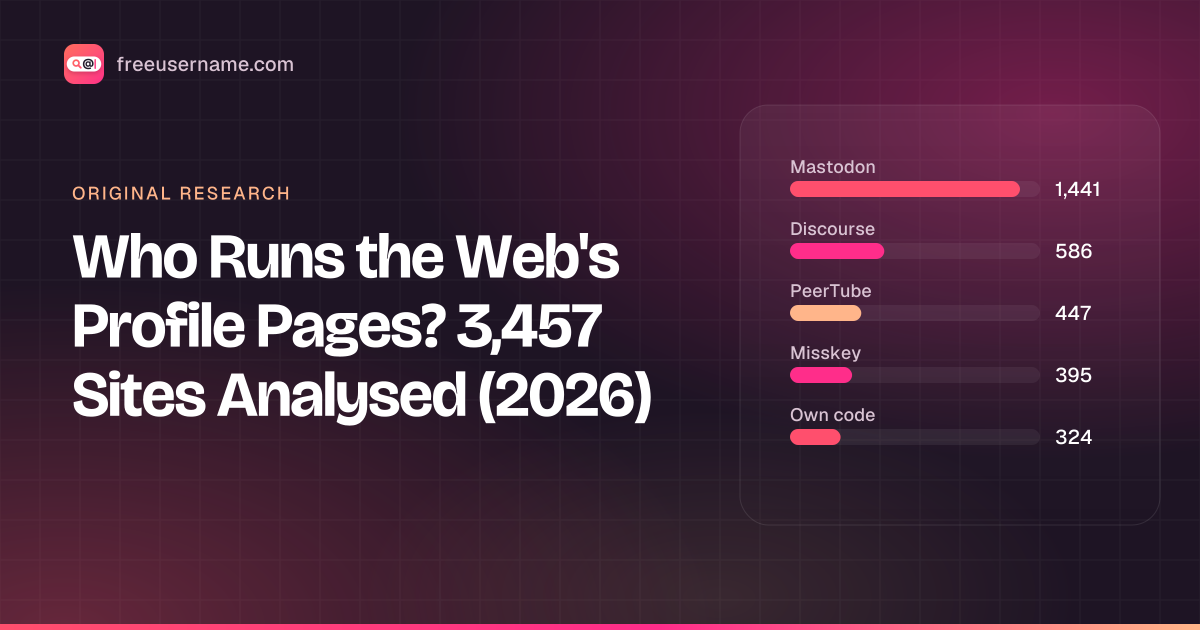
Who Runs the Web's Profile Pages? 3,457 Sites Analysed (2026)
Original data: 90.6% of the 3,457 sites in our username search run on 11 shared open-source platforms, and 71% are fediverse servers. What that means for your results.
· 6 min read
More from the blog
- What's Inside a 3,000-Site Username Checker? We Opened Ours
- We Ran Sherlock, Maigret, Blackbird and Our Engine on the Same 10 Usernames
- Reverse Gamertag Lookup: Find a Player Across Games
- How to Find Someone's Alt Twitter (X) Account
- Digital Footprint Check in Canada: Free, No Sign-Up
- PIPEDA Privacy Rights and Quebec Law 25, Explained