
Username OSINT for Beginners: Legal and Ethical Ways to Research a Handle
By David James · Published · 5 min read · Editorial policy
Free, no sign-up. Checks 3,450+ sites; the username is not stored or logged.
OSINT stands for open-source intelligence: information gathered from sources anyone can access, such as public web pages, public profiles, and published records. Usernames are one of the most common starting points, because people often reuse the same handle across many sites.
That reuse makes username research useful, and it is also why it needs care. This guide covers the basics: legitimate reasons to research a handle, a sensible workflow, and the legal and ethical limits that apply from your first search.
What username OSINT is (and is not)
Username OSINT means looking up a handle across public websites to see where it appears. A typical result is a list of profile pages that use the same name, along with whatever those pages show publicly: a display name, an avatar, a bio, links to other profiles.
It is not hacking, guessing passwords, accessing private accounts, or buying leaked data. If a method requires logging in as someone else, bypassing a privacy setting, or tricking a person into revealing information, it is outside the scope of ethical OSINT, and often outside the law too.
Legitimate reasons to research a username
Good OSINT starts with a clear, legitimate purpose. Common examples include:
- Auditing your own footprint. Finding the accounts you forgot about. See our guide to finding your old accounts.
- Brand protection. Checking where your company name is used and spotting impersonators.
- Security research. Authorized teams assessing their organization's public exposure.
- Journalism and fact-checking. Verifying whether a viral account is who it claims to be.
- Fraud awareness. Checking whether a seller or a new online contact has a consistent public presence before you send money.
Write your purpose down before you start. It keeps your research focused and gives you a simple test for every next step: does this help answer my question, or am I just collecting information about a person?
The legal and ethical lines
Laws differ by country and state, and this article is not legal advice. Still, a few principles apply almost everywhere:
- Public does not mean fair game for everything. Combining scattered public details into a profile of a private person can enable stalking or harassment. Do not do it.
- Respect each site's terms. Use pages the way a normal visitor would. Do not try to get around blocks or access controls.
- No FCRA purposes. In the United States, the Fair Credit Reporting Act governs background information used for employment, tenant screening, credit, and insurance decisions. Tools like FreeUsername are not consumer reporting agencies, and their results must not be used for those decisions.
- No harassment, doxxing, or intimidation. Never publish or share personal details you found to embarrass, threaten, or pressure someone.
- Minimize. Collect only what you need for your stated purpose, and delete it when you are done.
A beginner's workflow, step by step
- Define the question. For example: "Is the account messaging me on a marketplace the same seller that has a long, positive history elsewhere?"
- Run a broad username search. Enter the handle in the FreeUsername search. It checks 3,450+ sites, for free and without sign-up, and streams results live. Our server requests each site's public profile URL and classifies the response with our own detection rule for that site.
- Sort the statuses. Focus on Found results first. Blocked and Unknown results mean the check could not get a clear answer; they are not evidence either way.
- Review public profile details. For Found results, the tool fetches the public display name, avatar, and bio. Look for consistency: the same avatar, a matching bio, or links between profiles are stronger signals than a shared handle alone.
- Verify by hand. Open each relevant profile in your browser. Confirm that it exists, that it is public, and that the details you noted are really there.
- Record carefully. If you need to keep notes, export the results as JSON or CSV and annotate them. Write down what you verified and what is still an assumption.
- Stop when the question is answered. Do not keep digging into unrelated parts of someone's life.
Results are leads, not facts about a person
If you remember one thing from this guide, make it this. A username match tells you that a profile with that name exists on a site. It does not tell you who controls it.
- Different people share handles. Common words, first names, and short combinations are used by thousands of unrelated people.
- Detection can be wrong. Websites change their pages, and detection rules can lag behind. False positives happen.
- Accounts change hands. Names get released, recycled, or sold.
- People impersonate others. A profile using someone's name and photo may not be theirs at all.
Never state a conclusion about a real person based only on a username match. Look for multiple independent signals, verify them by hand, and be honest in your notes about how confident you actually are.
Protect your own privacy while you research
Good research hygiene protects you, too. The FreeUsername server receives the username only to run the check, and it does not store or log it. Even so, think about what you visit afterward. Opening profiles while signed in to your own accounts can sometimes show up in "who viewed your profile" features on certain platforms. Many researchers use a separate browser profile that is not signed in anywhere.
Common beginner mistakes
- Treating a match as identity. See the section above.
- Skipping verification. Always open the page yourself before relying on a result.
- Over-collecting. Saving everything "just in case" creates risk and rarely helps.
- Contacting people based on a hunch. Reaching out to someone because a handle matched can be alarming and unfair to them.
- Forgetting the purpose. If your research drifts away from your original question, stop and reassess.
GitHub is a good place to practise. Profiles, commits and organisations are public by design, and our GitHub username search guide shows what you can see without logging in.
Where to start
The best first subject for username OSINT is yourself. Search your own current and past handles, see what a stranger could find, and clean up what you no longer want public. You will learn quickly how the results look and how often they need checking by hand.
Run a free username search. To see what our server does with it, read how it works.
Related tools
Check a username now. Free, no sign-up, 3,450+ sites.

Search usernames on your phone. Get the free Android app. Scans run on your device.

Related in OSINT
- OSINT
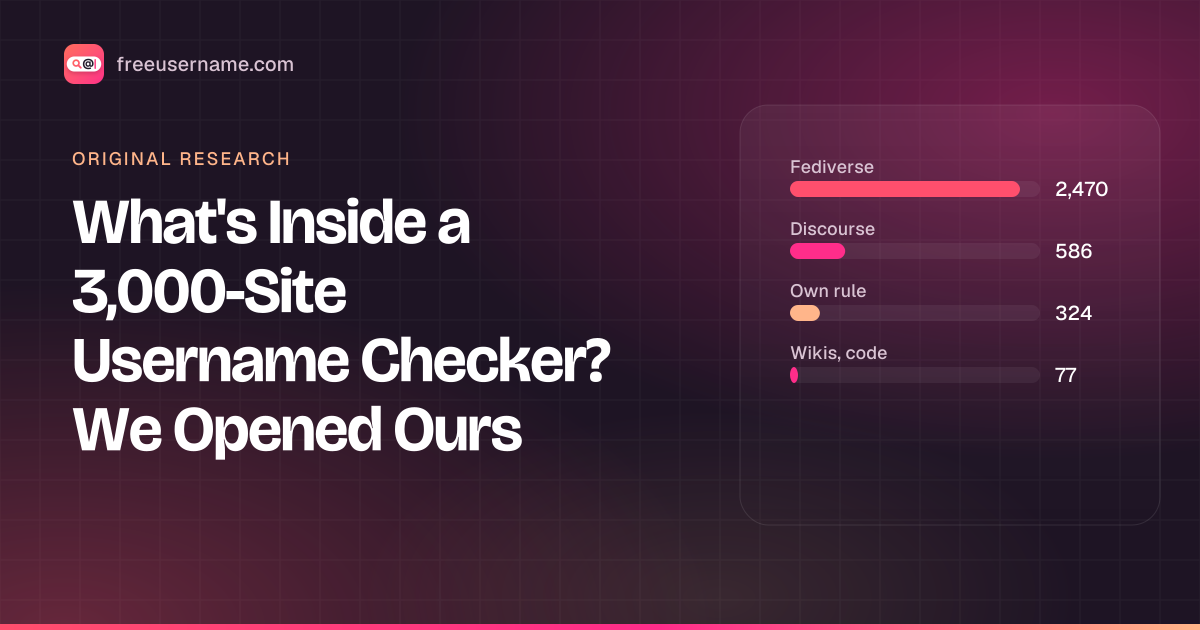
What's Inside a 3,000-Site Username Checker? We Opened Ours
Our username search checks 3,457 sites. 58 are major platforms; 91% run on about ten kinds of community software. The full breakdown, and what the number really means.
· 4 min read
- OSINT
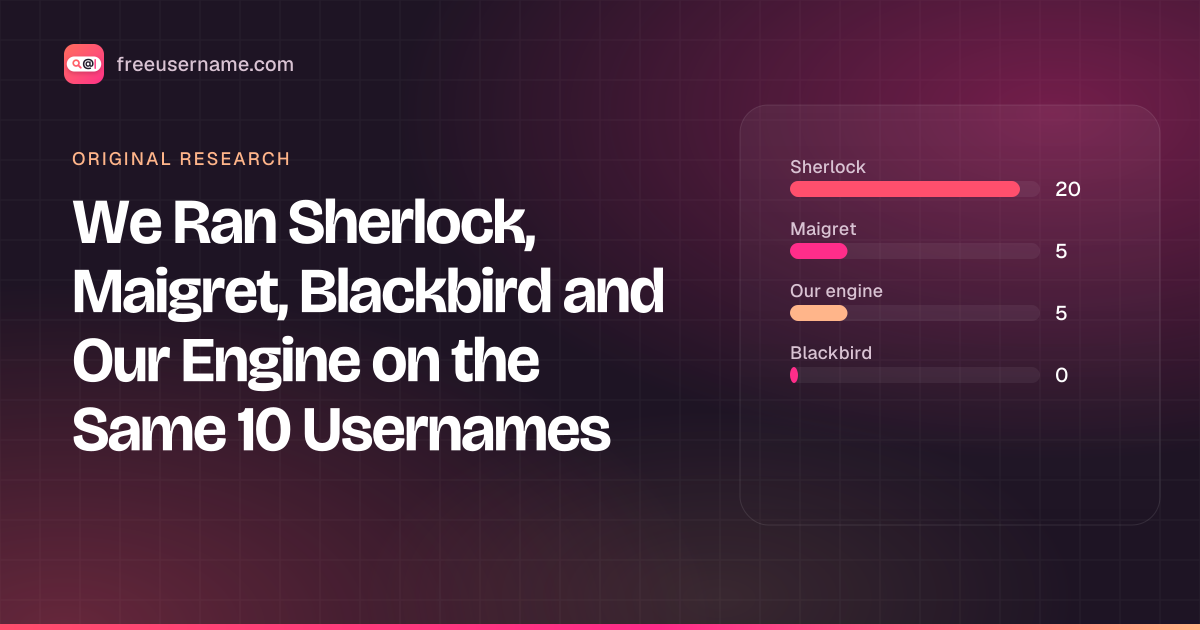
We Ran Sherlock, Maigret, Blackbird and Our Engine on the Same 10 Usernames
A reproducible test: 4 username tools, 10 handles, default settings. Hits, false positives on made-up names, errors and speed, with the raw CSV.
· 8 min read
- OSINT
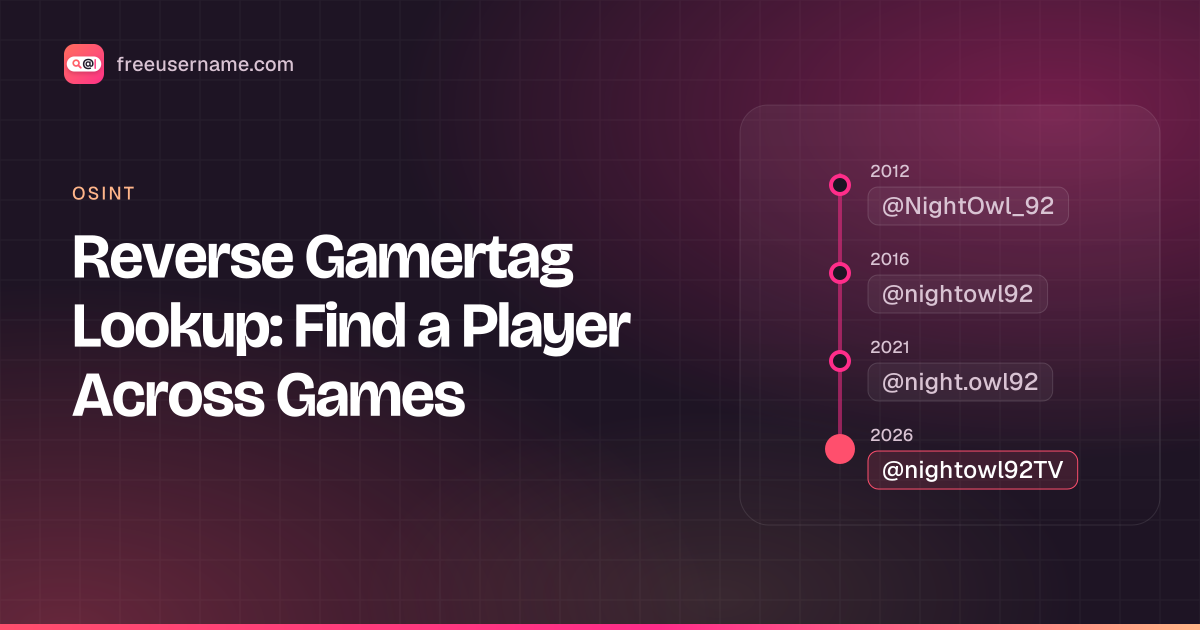
Reverse Gamertag Lookup: Find a Player Across Games
Free gamertag lookup online: check one name on Xbox, PlayStation, Steam, Riot and more, do an Xbox gamertag search, then deep-search every site.
· 4 min read
More from the blog
- Cute Username Ideas: 65+ Soft, Aesthetic & Short Names
- WhatsMyName Apps Is Now FreeUsername: Our Rebrand
- Who Runs the Web's Profile Pages? 3,457 Sites Analysed (2026)
- The Username Format That Works on the Most Sites: We Tested 21 Formats Against 3,457 Sites’ Rules
- How to Find Someone's Alt Twitter (X) Account
- Username Availability Search: Is It Taken Everywhere?