
Find Your Old Accounts and Clean Up Your Digital Footprint
By David James · Published · Updated · 6 min read · Editorial policy
Free, no sign-up. Checks 3,450+ sites; the username is not stored or logged.
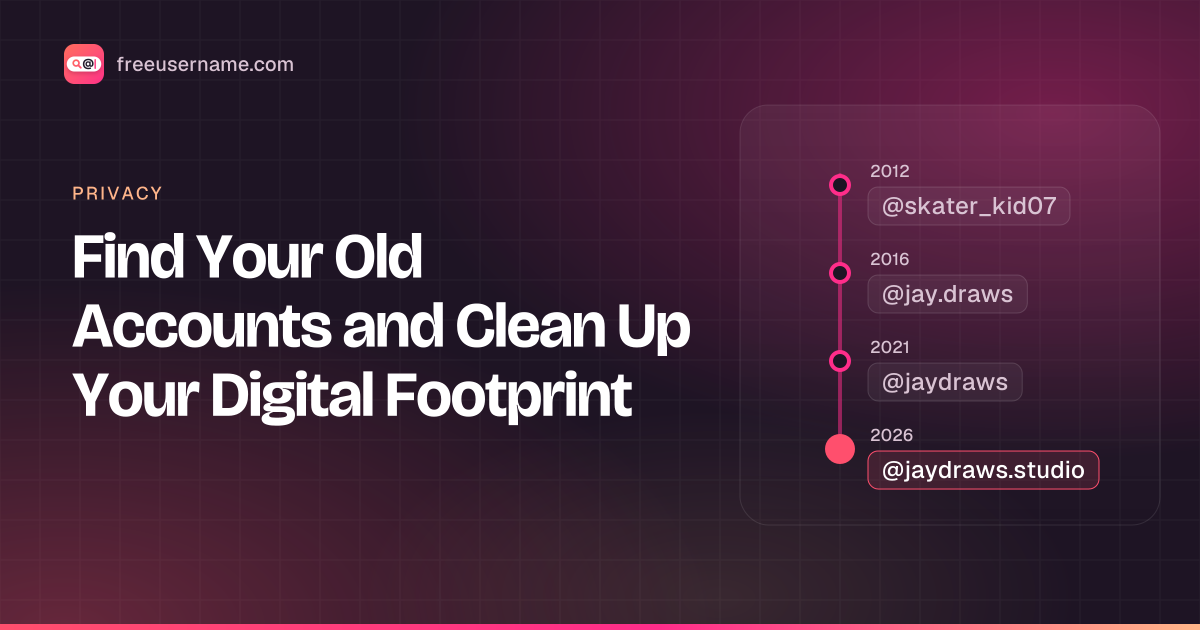
Most of us have signed up for far more websites than we remember. A forum you joined for one question, a photo app you tried for a week, a gaming profile from years ago. Each of those accounts may still be public, still showing an old photo or bio, and still holding data you no longer think about.
Your digital footprint is the trail of accounts, posts and data about you that stays online, including accounts you forgot you made.
Key takeaways
- List every handle you have used, then run them through a username search that checks about 3,450 sites.
- A Found result is a lead. Open each profile to confirm it is really yours.
- Search old inboxes for signup emails to find accounts under other usernames.
- For each account, keep and update, lock down, delete, or request removal. Then secure what stays.
Cleaning up that trail means strangers find less about you and fewer forgotten accounts are left for someone to take over. Here is one way to do it.
Why old accounts are worth cleaning up
Old accounts are worth cleaning up because they are a security, privacy and reputation risk you no longer watch.
- Security. Old accounts often use old passwords. If one of those passwords was reused elsewhere, a forgotten account becomes a weak spot.
- Privacy. Old bios, photos, and posts can reveal your location, school, workplace, or interests from years ago.
- Reputation. Things you posted at 16 may not reflect who you are now, and they can surface when someone searches your handle.
- Clarity. Fewer stray accounts means less confusion about which profiles are really yours.
Step 1: List every handle you have ever used
Start by writing down every username you can remember using, including:
- Your current handle and its variations
- Childhood or teenage nicknames
- Gaming tags
- The part of your old email addresses before the @ sign
- Handles with numbers you added when your first choice was taken, such as a birth year
Do not worry about getting it perfect. The search in the next step often jogs your memory.
Step 2: Search those handles across thousands of sites
Run each handle through a username search to see where it still exists. Enter your handles into the FreeUsername username search. It is free, needs no sign-up, and checks each name against 3,450+ sites. You can search up to five usernames at once, which suits this kind of audit. Results stream live, so you can start reviewing them right away.
For each site you will see one of four statuses: Found, Not found, Blocked, or Unknown. For Found results, the tool shows the public display name, avatar, and bio when the site makes them available. That makes it easier to spot which profiles are yours and which belong to strangers who happen to use the same name.
Instagram and Threads are not checked automatically. Check those two by hand.
Say one of your old handles is nightowl92. You search it and get a list of Found results. One is a forum profile with an avatar you recognise from school. Another is a gaming profile with a bio in a language you do not speak, so it belongs to someone else. You mark the forum as yours, note "delete" in the spreadsheet, and move on.
Export the results as CSV. A spreadsheet with one row per account is the easiest way to work through a cleanup.
The username you search is sent to our server only to run the check, and it is not stored or logged.
Step 3: Confirm which accounts are actually yours
You confirm ownership by opening each result and checking for details you recognise. A Found result means a profile with that name exists. It does not mean it is yours. Open each result and look for things you recognize: your photo, a bio you wrote, posts you remember. Common handles will turn up plenty of unrelated people, so skip anything that is clearly not you.
Blocked and Unknown results mean the check could not get a clear answer. For sites you think you may have used, visit the profile URL in your browser to check by hand.
To find accounts linked to your email address, search your old inboxes for words like "welcome," "verify your account," and "confirm your email." Signup emails often turn up accounts registered under a different username. You can also check each old address on Have I Been Pwned to see which breached services it was used on. Our own email check is not live yet.
Step 4: Decide what to do with each account
Each account you own gets one of four actions. Note it in your spreadsheet:
| Action | Use it for | What to do |
|---|---|---|
| Keep and update | Accounts you still use | Refresh photo and bio, review privacy settings, change an old password |
| Keep but lock down | Accounts you keep only to hold the handle | Make private, remove personal details, set a strong unique password |
| Delete | Accounts you no longer need | Find "delete account" or "close account" in settings or the help center |
| Request removal | Accounts you cannot log in to | Use account recovery or contact support |
More detail on each:
- Keep and update. Accounts you still use. Refresh the photo and bio, review the privacy settings, and change the password if it is old.
- Keep but lock down. Accounts you want to hold on to (for example, to keep the handle) but do not use. Make them private where possible, remove personal details, and set a strong, unique password.
- Delete. Accounts you no longer need. Look for "delete account" or "close account" in the settings. Some sites hide this option in a help center article.
- Request removal. If you cannot log in anymore, use the site's account recovery or contact its support team. Many sites have a process for removing accounts or personal data on request, and privacy laws in some places give you specific rights here.
Getting back into accounts you are locked out of
To get back in, try password resets on every old email, then social logins, then support. Lost access is the most common roadblock. Try these in order:
- Use the "forgot password" link with every email address you have owned.
- Check whether you signed up with a social login, such as a "Continue with" button tied to another account.
- Look for the original signup email, which may include your username or a recovery link.
- Contact the site's support team with whatever proof of ownership you can offer.
If an old email address is gone for good, some sites cannot verify you. In that case, at least report any account that is impersonating you, and remove personal details elsewhere that link back to it.
Step 5: Secure everything you keep
Secure what stays with unique passwords and two-factor authentication.
- Use a password manager and give every account a unique password.
- Turn on two-factor authentication wherever it is offered, starting with email, banking, and your main social accounts.
- Review connected apps and revoke access for anything you no longer recognize.
- Remove old phone numbers and email addresses from account recovery settings.
Do not forget domains
Check old domains too. If you ever registered a personal website, check whether your name is still held as a domain. The FreeUsername search also checks .com, .net, .org, .io, .us, .app, and .dev availability using public RDAP data, which can remind you of a domain you let expire, or show that someone else now holds it.
No laptop handy? You can find forgotten accounts using only your phone. And if you were online in the 2000s, your old MySpace profile may still be up.
Make it a yearly habit
Repeat the audit once a year, because new accounts pile up without you noticing. Set a yearly reminder to rerun your handles through a username search, compare the export to last year's, and handle anything new. It takes far less time once the first big cleanup is done.
This process is meant for your own accounts. Results are leads to verify, not facts about anyone, and the tool must not be used to build profiles of other people. If you want to learn more about researching handles responsibly, read username OSINT for beginners.
Related tools
Check a username now. Free, no sign-up, 3,450+ sites.

Search usernames on your phone. Get the free Android app. Scans run on your device.

Related in Privacy
- Privacy
Digital Footprint Check in Canada: Free, No Sign-Up
A free digital footprint check for Canada: search your usernames, Google yourself and clear out people search listings. No sign-up, about 15 minutes.
· 5 min read
- Privacy
PIPEDA Privacy Rights and Quebec Law 25, Explained
Your PIPEDA privacy rights in plain words: how to request your personal information in Canada, how to complain to the OPC, and what Quebec Law 25 adds.
· 5 min read
- Privacy
Remove Yourself from People Search Sites in Canada
People search sites in Canada can list your name, phone, address. How to find your listings, use opt-outs, cite PIPEDA and escalate to the OPC if needed.
· 5 min read
More from the blog
- Cute Username Ideas: 65+ Soft, Aesthetic & Short Names
- WhatsMyName Apps Is Now FreeUsername: Our Rebrand
- What's Inside a 3,000-Site Username Checker? We Opened Ours
- Who Runs the Web's Profile Pages? 3,457 Sites Analysed (2026)
- We Ran Sherlock, Maigret, Blackbird and Our Engine on the Same 10 Usernames
- The Username Format That Works on the Most Sites: We Tested 21 Formats Against 3,457 Sites’ Rules