
How to Find Someone by Name Online, Within Limits
By David James · Published · Updated · 8 min read · Editorial policy
Free, no sign-up. Checks 3,450+ sites; the username is not stored or logged.

Most people who want to find someone by name have an ordinary reason. They want to reconnect with an old friend, check that a new landlord or contractor is real, or see what comes up when others search their own name. The methods are mostly free. What takes care is reading the results, because a name is shared by many people and the sites that rank for name searches are rarely neutral.
Key takeaways
- A search engine, with the name in quotes plus one detail you know, is the best free method.
- People-search reports often merge namesakes, and the full report costs money.
- A username search finds accounts by handle, not by real name.
- In the US, people-search results must not be used for hiring, housing, credit or insurance decisions.
A name search means looking up a person by their real first and last name across search engines, social networks and public records. It is different from a username search, which looks up one handle across websites.
This guide covers the free ways to search someone's name, what the paid name search engines and "AI person finder" sites actually return, and how a username search differs. It also names several tools people ask about, describes what each one is as of October 2026, and explains the legal limits that apply before you use any result.
Start with a plain search engine
A search engine is the best free way to find someone by name. It is still the best name searcher available, and it costs nothing. Work like this:
- Put the full name in quotes:
"Maria Lopez". Try a middle initial, a maiden name or a nickname. - Add one thing you know for sure: a city, a school, an employer or a profession.
"Maria Lopez" Tucson nursecuts the namesakes down fast. - Limit to one site with
site:, for example"Maria Lopez" site:linkedin.com, to see a professional profile. - Check the Images and News tabs, and repeat in a second search engine.
If you want to look for someone with my name, or simply see what strangers see when they search yours, the same steps work. Our guide on how to search yourself online goes through it in order.
Social media look up: searching inside the platforms
You can search inside each platform, but results depend on privacy settings. Most networks have their own people search. Facebook, LinkedIn and Instagram let you search by name, and results lean toward people you share connections with, so a name search there works best when you know a mutual friend, a school or a workplace. TikTok, X and Threads search by display name and handle. Results depend on each person's privacy settings, and many people hide from search entirely.
A free social media finder that searches every network by real name does not exist, because most networks do not publish name directories to outsiders. Tools that claim to do it are usually people-search sites in disguise.
When you have a username: a social name checker
If you have a username, use a username checker instead of a name search. A username is far more precise than a name. Thousands of people share a name, but a long, unusual handle tends to belong to one person across many sites. If the person gave you a handle, or you found one on a profile, a social media checker is the right tool.
That is what FreeUsername does. It is a social website search engine for one thing: you enter a username and it checks 3,450+ sites for a public profile with that exact name, free and without sign-up. It does not search by real name, phone number or address. It works as an account finder in the narrow sense: an account search or account lookup by handle, showing the public display name, avatar and bio where a site provides them. Every Found result is a lead to confirm by hand, because two people can share a handle. If you need to check for social media names you might want to register yourself, the same search shows whether a name is free.
Worked example. Say a marketplace seller goes by nightowl92. Enter it in the username search. It checks 3,450+ sites from your request and sorts them into Found, Not found, Blocked and Unknown. Open each Found profile and compare the photo, bio and links with what the seller showed you. A matching profile is a lead, not proof. Instagram and Threads are not checked live; the results point to a short manual guide for those two. The tool does not look up email addresses or phone numbers.
For a single platform, our platform checkers run one site at a time, and the reverse username lookup page explains what a match does and does not prove.
What name search engines and people finders return
People finders return a report built from public records, and it is often less accurate than it looks. Name search engines, also called people finders, compile public records, old addresses, phone numbers, relatives and sometimes social links into a report under a name. They often rank first for name searches. Things to know before you pay:
- Matching is loose. Reports often merge two people with the same name, or attach an old address to the wrong person.
- The free part is a teaser. The full report, or a monthly subscription, costs money.
- "AI person finder" is mostly a label. Some sites now add an AI summary on top of the same records. An AI summary can sound confident while mixing up namesakes, so check every claim against a primary source.
- You may be listed too. Our guide to removing yourself from people-search sites covers the opt-outs.
Tools and terms people ask about
Here is what each of these commonly searched tools is. These names come up in searches next to "name finder", "searcher name" and "free profile lookup". We describe them neutrally and do not link to them; we checked each one in October 2026, and services change, so verify before you rely on any of them.
- lookups.io presents itself as a people search that combines records from public-record databases into one report covering names, phone numbers, addresses, relatives and social handles. It is a people-search service in the usual sense, with the limits above.
- LolArchiver is a paid OSINT suite that offers reverse email and phone lookups across hundreds of networks, an archive of X (Twitter) username and bio history, and search across some platform archives. It charges per query.
- usersearch.ai is the premium service linked from the UserSearch.org username search. It needs an account and covers paid email, phone and image lookups. Our UserSearch page explains the free and paid parts.
- Instant Username Search (instantusername.com, often typed as "instant username" or "instantusername") is a free checker that shows handle availability on popular platforms as you type. See our Instant Username Search page.
- Useram: we found no active username tool under this name. The useram.com domain was parked and listed for sale when we checked.
- FindHerName and NameHim: we could not find an established people-search service called FindHerName, only low-quality pages repeating the phrase, so be cautious with any site using it. NameHim is an iOS baby-naming app, not a people finder.
| Tool | What it is | Searches by | Cost |
|---|---|---|---|
| lookups.io | People search | Name, phone, address | Paid reports |
| LolArchiver | OSINT suite | Email, phone, X username | Paid per query |
| usersearch.ai | Premium side of UserSearch.org | Email, phone, image | Paid, account needed |
| Instant Username Search | Availability checker | Username | Free |
| FreeUsername | Username search | Username only | Free |
How we checked: in October 2026 we opened each service's own site and read what it says it offers. We did not buy reports or run paid searches, so we cannot speak to their accuracy.
For people-search engines that mix username results with contact data, our IDCrawl page shows how that model compares with a username-only search.
"What is this person's name?" Working back from a photo or handle
You can sometimes work back to a name from a photo or handle, but only for narrow, legitimate reasons. Sometimes you have a face or a username and want the name behind it. The legitimate uses are narrow: checking that a dating match or a seller is real, or finding out who is using your photos. For those:
- Run a reverse image search on the photo with Google Lens or another engine. Stolen photos often show up under a different name, which tells you whether the profile is genuine.
- Search the handle across sites and look at the public display names and bios.
- Ask the person. A real contact will tell you their name.
Unmasking an anonymous account that has chosen not to share a name is a different thing, and we do not help with it. Our post on the ethics of searching for someone's social profiles explains where the line sits.
Legal limits: the FCRA and responsible use
In the US, people-search results cannot be used for decisions about jobs, housing, credit or insurance. The Fair Credit Reporting Act covers reports used to decide on someone's employment, housing, credit or insurance. Companies that supply those reports are consumer reporting agencies with duties about accuracy, consent and disputes. Most people finders, and FreeUsername, are not consumer reporting agencies, so their results must not be used for those decisions. An employer or landlord who needs a background check has to go through a proper screening company, with your permission.
Beyond the FCRA, using search results to harass, threaten or follow someone can break stalking and harassment laws in many places. This is general information, not legal advice. Our responsible-use guidelines set out how our tool may be used.
Have a name but no handle? Facebook vanity URLs often use the real name, so searching Facebook by username is worth a try. For paid people-search style results, compare IDCrawl alternatives.
FAQ
Can I find someone by name for free?
Often, yes, with a search engine, the networks' own search and some context such as a city or employer. Paid reports add records, but not always accuracy.
Can FreeUsername search by real name?
No. It searches usernames only. A name search is a different job, done best with a search engine.
Does the person know I searched for them?
Search engines and our username search do not notify anyone. Some social networks show profile visitors on certain account types, so assume a visit could be seen.
FreeUsername is not a consumer reporting agency, and its results must not be used for decisions about employment, credit, housing or insurance. Third-party names are trademarks of their owners; we are not affiliated with any service mentioned.
Related tools
Check a username now. Free, no sign-up, 3,450+ sites.

Search usernames on your phone. Get the free Android app. Scans run on your device.

Related in OSINT
- OSINT
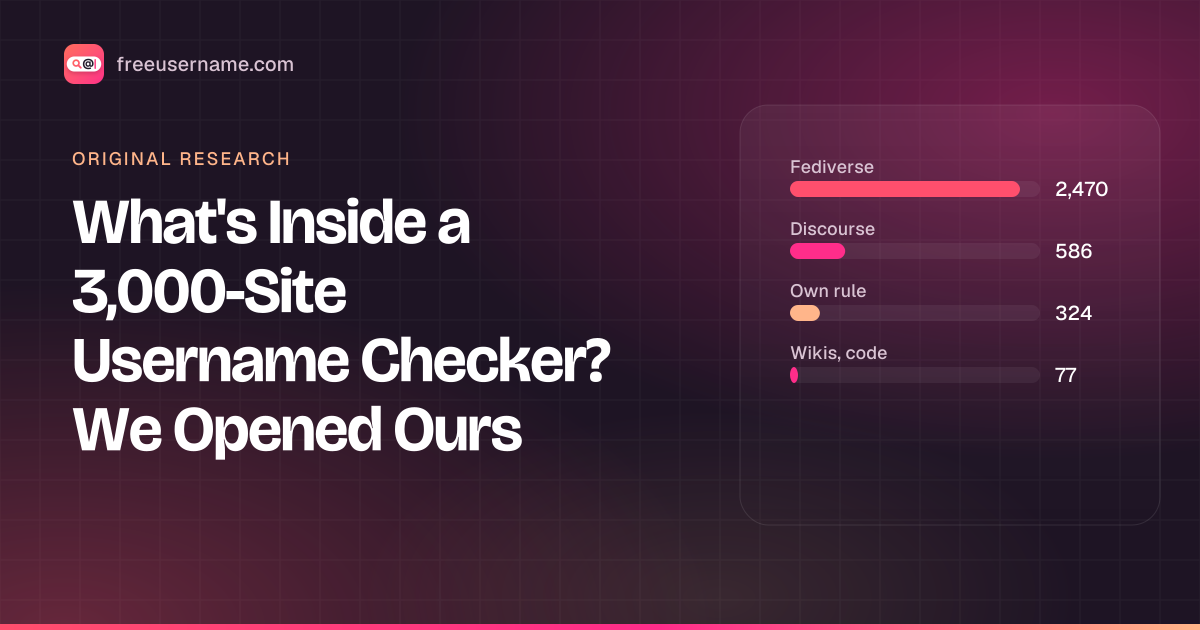
What's Inside a 3,000-Site Username Checker? We Opened Ours
Our username search checks 3,457 sites. 58 are major platforms; 91% run on about ten kinds of community software. The full breakdown, and what the number really means.
· 4 min read
- OSINT
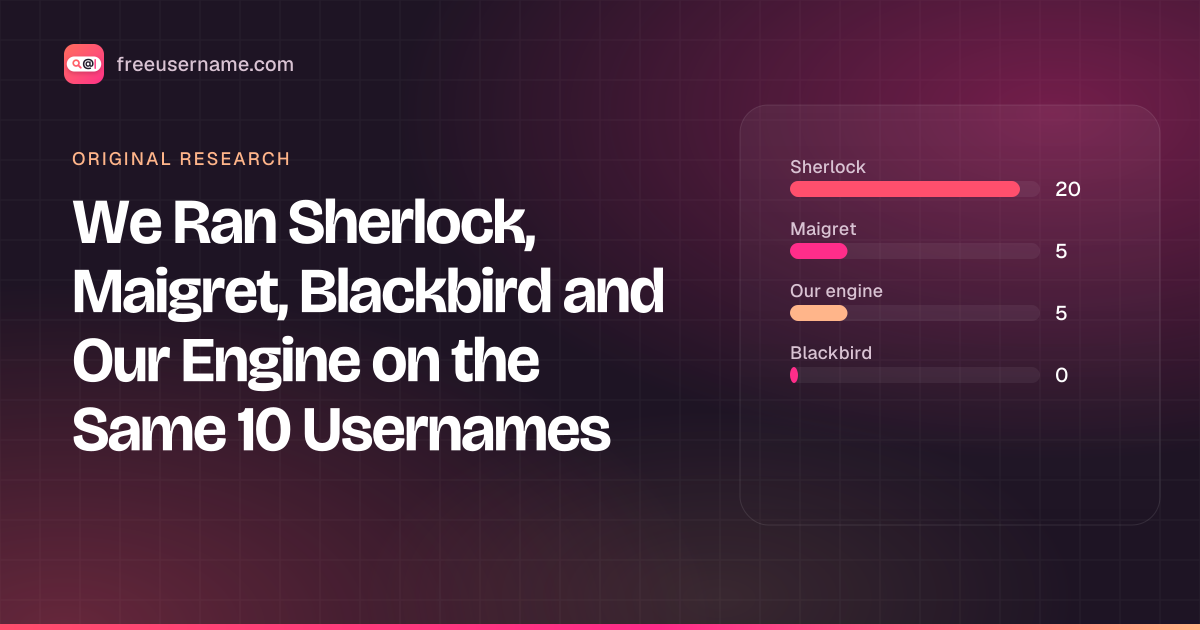
We Ran Sherlock, Maigret, Blackbird and Our Engine on the Same 10 Usernames
A reproducible test: 4 username tools, 10 handles, default settings. Hits, false positives on made-up names, errors and speed, with the raw CSV.
· 8 min read
- OSINT
Reverse Gamertag Lookup: Find a Player Across Games
Free gamertag lookup online: check one name on Xbox, PlayStation, Steam, Riot and more, do an Xbox gamertag search, then deep-search every site.
· 4 min read

More from the blog
- Cute Username Ideas: 65+ Soft, Aesthetic & Short Names
- WhatsMyName Apps Is Now FreeUsername: Our Rebrand
- Who Runs the Web's Profile Pages? 3,457 Sites Analysed (2026)
- The Username Format That Works on the Most Sites: We Tested 21 Formats Against 3,457 Sites’ Rules
- How to Find Someone's Alt Twitter (X) Account
- Username Availability Search: Is It Taken Everywhere?