
Have I Been Pwned Alternatives: Free Ways to Check a Breach
By David James · Published · Updated · 4 min read · Editorial policy
Free, no sign-up. Checks 3,450+ sites; the username is not stored or logged.
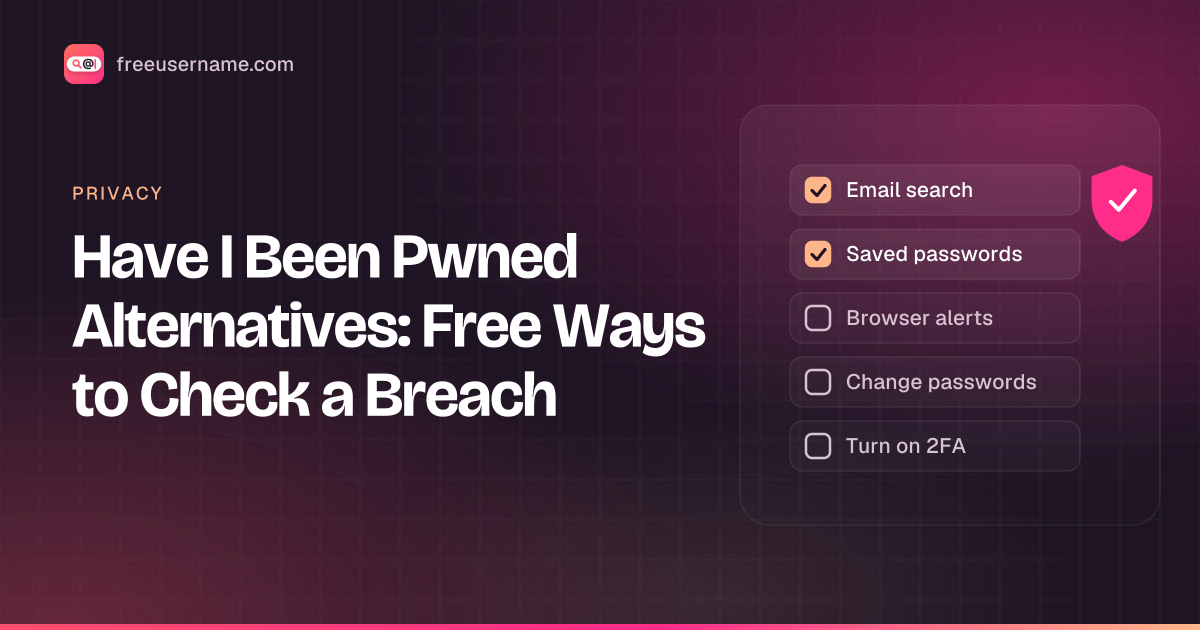
Have I Been Pwned (HIBP) is a free service run by security researcher Troy Hunt. You type an email address and it lists the known data breaches that address appeared in. It is popular for a reason, but it is not the only way to check, and some people would rather not type their address into any website. This guide covers the honest options and what each one can and can't tell you.
Key takeaways
- Have I Been Pwned is free and checks your email against known breaches.
- The best alternatives are already on your devices: your password manager's breach report and your browser's password checkup.
- Mozilla Monitor is a free email breach alert service.
- A clean result means "not in the known data", not "never leaked". Our email check is not live yet.
What Have I Been Pwned checks
HIBP checks email addresses and passwords against breach data it has loaded.
- Email search: lists breaches that included your address, with the date and the kinds of data exposed.
- Pwned Passwords: tells you if a password has appeared in a breach. It uses a method called k-anonymity. Per the Pwned Passwords page, your password is hashed locally and only the first 5 characters of its SHA-1 hash are sent.
- Notifications: you can sign up to get an email if your address shows up in a future breach.
What it does not do: it can't show breaches nobody has reported or loaded, and it does not tell you which of your passwords leaked from a given site. A clean result means "not in the data HIBP has", not "never leaked".
Free alternatives worth knowing
The best free alternatives are tools you probably already have.
Your password manager's breach report
Most password managers have a security or "watchtower" style report that flags saved passwords found in known breaches, plus reused and weak ones. This is often the most useful check, because it works on every site you have saved, not just your email address.
Your browser's password checkup
Chrome, Safari, Edge and Firefox all warn you about compromised saved passwords in their password settings. On an iPhone, open the Passwords app (or Settings, Passwords on older versions) and look at Security Recommendations.
Mozilla Monitor
Mozilla's free Monitor service, formerly Firefox Monitor, scans for breaches tied to your email and sends alerts. It has a paid tier in the US for people search removal; the breach alerts themselves are free.
Notices from the company
Many places require companies to notify people after certain breaches. Read those letters and emails carefully, but check any link they contain by going to the company's site yourself. Fake breach notices are a common phishing trick.
Quick comparison
The main difference is whether you have to type your email into a website.
| Option | Checks | You type your email into a site? |
|---|---|---|
| Have I Been Pwned | Email, passwords (k-anonymity) | Yes, for email search |
| Password manager report | Every saved password | No |
| Browser password checkup | Passwords saved in the browser | No |
| Mozilla Monitor | Email, with alerts | Yes |
| FreeUsername email check | Coming soon | Not live yet |
Where FreeUsername fits
We can't check emails yet. We are a username search tool first. Our free username search shows where a handle is in use, which helps you find old accounts that might sit behind a leaked password. The email checker is coming soon. We will say so on this page when it ships, and we will not pretend it exists before then.
Say your password manager flags a leaked password on an account tied to your old handle nightowl92. Change that password, then search nightowl92 with our tool to find other old accounts that may share it. Our search covers usernames only. Instagram and Threads are not checked automatically, so look at those by hand.
You found a breach. Now what?
Fix the password first. Change the password on that site, then on every other site where you used the same one. Turn on two-factor authentication. Our step-by-step guide on what to do after a data breach covers the rest, including when to freeze your credit.
FAQ
Is Have I Been Pwned safe to use?
It is widely used and recommended by security people, and its password check never sends your full password. If you prefer not to type your email anywhere, use your password manager's breach report instead.
Are breach checkers that ask for payment worth it?
For a basic "did my email leak" check, no. The free options above cover it. Paid services usually bundle extras like data broker removal or identity insurance.
Can I check someone else's email?
Only check addresses you own or manage. Looking up other people's exposure is not what these tools are for.
A note on responsible use
Check only your own accounts. Breach data is about real people. Use these checks to protect your own accounts. FreeUsername is not a consumer reporting agency, and nothing on this site should be used for decisions about employment, credit, housing or insurance.
Related tools
Check a username now. Free, no sign-up, 3,450+ sites.

Search usernames on your phone. Get the free Android app. Scans run on your device.

Related in Privacy
- Privacy
Digital Footprint Check in Canada: Free, No Sign-Up
A free digital footprint check for Canada: search your usernames, Google yourself and clear out people search listings. No sign-up, about 15 minutes.
· 5 min read
- Privacy
PIPEDA Privacy Rights and Quebec Law 25, Explained
Your PIPEDA privacy rights in plain words: how to request your personal information in Canada, how to complain to the OPC, and what Quebec Law 25 adds.
· 5 min read
- Privacy
Remove Yourself from People Search Sites in Canada
People search sites in Canada can list your name, phone, address. How to find your listings, use opt-outs, cite PIPEDA and escalate to the OPC if needed.
· 5 min read
More from the blog
- Cute Username Ideas: 65+ Soft, Aesthetic & Short Names
- WhatsMyName Apps Is Now FreeUsername: Our Rebrand
- What's Inside a 3,000-Site Username Checker? We Opened Ours
- Who Runs the Web's Profile Pages? 3,457 Sites Analysed (2026)
- We Ran Sherlock, Maigret, Blackbird and Our Engine on the Same 10 Usernames
- The Username Format That Works on the Most Sites: We Tested 21 Formats Against 3,457 Sites’ Rules