
What to Do After a Data Breach: A Calm Checklist
By David James · Published · Updated · 4 min read · Editorial policy
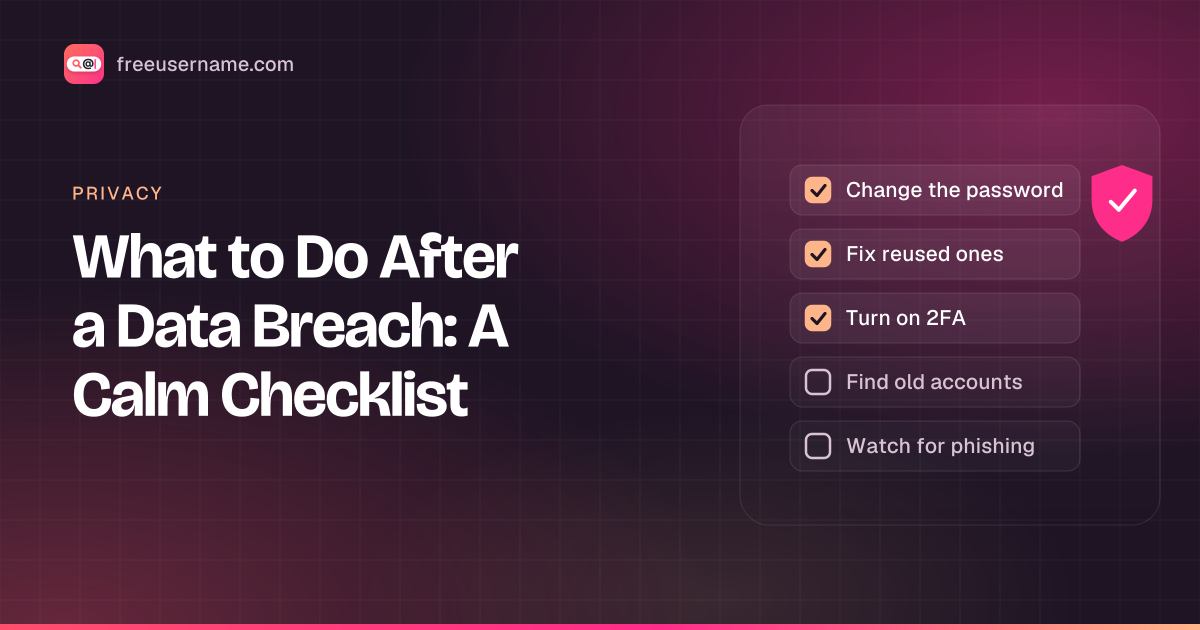
A data breach is when someone gets unauthorized access to data a company holds about you, such as emails, passwords or ID numbers. Getting a breach notice is unsettling, but most breaches only need a few fixes. What you do depends on what leaked. An email address alone is a small problem. A password you reuse everywhere is a bigger one. Government ID numbers or card details are the most serious. Work through the steps below in order and stop when the rest no longer applies to you.
Key takeaways
- Change the leaked password first, then every account where you reused it.
- Turn on two-factor authentication, starting with your email account.
- If your SSN leaked, freeze your credit with Equifax, Experian and TransUnion. It is free.
- Expect phishing that mentions the breach. Type the company's address yourself.
Step 1: Find out what leaked
Start by listing which kinds of data were exposed. Read the company's notice, or look the breach up in a checker like those in our Have I Been Pwned alternatives guide, or search Have I Been Pwned directly. Note which data types were exposed: email, password, phone, address, date of birth, ID numbers, payment cards. That list decides the rest of this checklist.
Step 2: Change the password, then fix reuse
Change the password on the breached site first. Then think about where else you used the same password, or a close variation. Attackers try leaked email and password pairs on other sites, a technique called credential stuffing. A password manager's security report will show reused passwords for you.
Step 3: Turn on two-factor authentication
Add two-factor authentication to your email first, because your email can reset everything else. Then do your bank, your main social accounts and anything that stores a card. An authenticator app or a passkey is stronger than SMS codes.
Step 4: Find accounts you forgot about
Search your old usernames to find accounts you forgot. Old accounts are where reused passwords hide. If you used the same handle for years, run it through our free username search to see where it still exists. Then log in and change the password, or delete the account. Our guide to securing old accounts walks through it.
Say your old handle is nightowl92 and a breach notice lists the email you used with it. You change that password and turn on 2FA for the email. Then you search nightowl92 and see it is still Found on an old game forum and a photo site. You log in to both, change the reused password, and delete the forum account you no longer use. Our search checks usernames only. It does not check Instagram or Threads automatically, and it cannot check your email for breaches yet.
Step 5: If ID numbers or money details leaked
The right move depends on what leaked.
| What leaked | What to do |
|---|---|
| Email only | Watch for phishing. Secure the email account itself. |
| Password | Change it on that site and everywhere you reused it. |
| Payment card | Ask your bank for a new card number and check recent transactions. |
| US Social Security number | Freeze your credit with all three bureaus. |
- Payment cards: ask your bank for a new card number and check recent transactions.
- US Social Security numbers: place a credit freeze with Equifax, Experian and TransUnion. The FTC's credit freeze guide confirms there is no cost to place or lift one, and you can lift it when you need credit.
- Signs of identity theft: in the US, report and get a recovery plan at IdentityTheft.gov, run by the FTC. In Canada, see our guide on identity theft in Canada.
Step 6: Expect phishing
Yes, expect scam messages that use the breach as bait. After a big breach, scammers send emails and texts that mention it, offer "compensation" or ask you to "verify" your account. Don't click links in those messages. Go to the company's site by typing the address yourself.
FAQ
My email was in a breach but no password. Do I need to do anything?
Not much. Watch for more spam and phishing, and make sure that email account itself has a strong password and two-factor authentication.
Should I delete the breached account?
If you don't use it, yes. Deleting it means one less place your data sits. Download anything you want to keep first.
Can FreeUsername check my email for breaches?
Not yet. The email breach check is coming soon. The username search is live today.
A note on responsible use
This checklist is for your own accounts. This is general information, not legal or financial advice. For a case of identity theft, follow the official guidance for your country.
Related tools
Check a username now. Free, no sign-up, 3,450+ sites.

Search usernames on your phone. Get the free Android app. Scans run on your device.

Related in Privacy
- Privacy
Digital Footprint Check in Canada: Free, No Sign-Up
A free digital footprint check for Canada: search your usernames, Google yourself and clear out people search listings. No sign-up, about 15 minutes.
· 5 min read
- Privacy
PIPEDA Privacy Rights and Quebec Law 25, Explained
Your PIPEDA privacy rights in plain words: how to request your personal information in Canada, how to complain to the OPC, and what Quebec Law 25 adds.
· 5 min read
- Privacy
Remove Yourself from People Search Sites in Canada
People search sites in Canada can list your name, phone, address. How to find your listings, use opt-outs, cite PIPEDA and escalate to the OPC if needed.
· 5 min read
More from the blog
- Cute Username Ideas: 65+ Soft, Aesthetic & Short Names
- WhatsMyName Apps Is Now FreeUsername: Our Rebrand
- What's Inside a 3,000-Site Username Checker? We Opened Ours
- Who Runs the Web's Profile Pages? 3,457 Sites Analysed (2026)
- We Ran Sherlock, Maigret, Blackbird and Our Engine on the Same 10 Usernames
- The Username Format That Works on the Most Sites: We Tested 21 Formats Against 3,457 Sites’ Rules