

Guide
How to use the AI bio generator
The AI bio generator writes six short profile bios that fit the platform you choose, then lets you edit and copy the one you like. This guide goes through the form in order, using a made-up coffee account as the example. It is an AI beta, so read each bio before you use it.
1. Pick the platform
Open the bio generator and tap the platform the bio is for. The number on each chip is that platform's character limit: 150 for Instagram, 80 for TikTok, 160 for X, 220 for a LinkedIn headline. The box under the chips adds a short tip for that platform.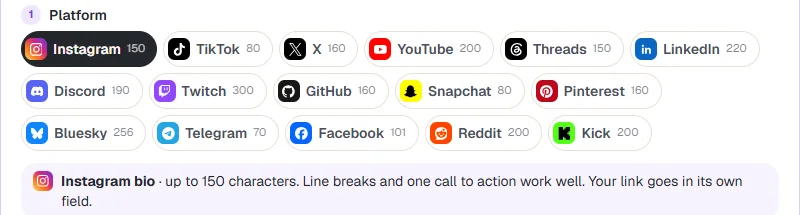
2. Add your name, account type and tone
Type your name or handle, then choose Personal, Creator, Business or Gamer. Pick a tone such as Friendly, Funny, Professional or Minimal. Short of ideas? The Try buttons at the top (Fitness coach, Coffee shop, Gamer, Developer) fill the form with an example.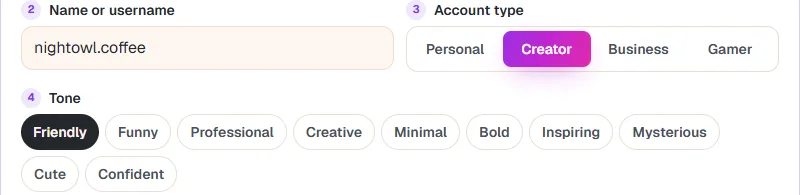
3. Say a little about yourself
The rest is optional. About you takes up to 200 characters on what you do, love or post. Add a call to action like "DM for collabs", pick a language, and choose no emoji, one, or a few. Some platforms let you stack the bio on separate lines, and you can ask for one or two hashtags. Leave out anything private, like your address or phone number.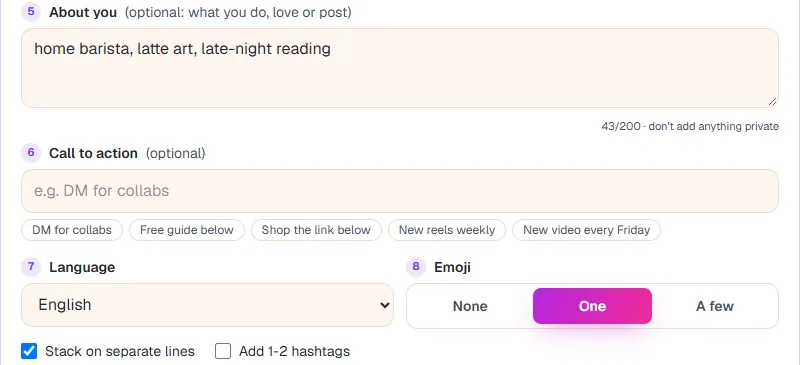
4. Agree to the AI notice
Press Write my bios. The first time, a notice explains that only what you typed in the form goes to an AI service provider, that we do not store it, and that AI can be wrong. Tick the box to agree to the Privacy Policy and AI terms, then press Continue. You will not be asked again on the same browser.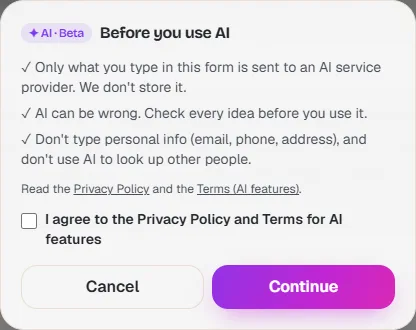
5. Pick, edit and copy a bio
You get 6 bios. Each shows its length against the limit, for example 103/150, and is highlighted if it runs over. Tap one to preview it, press Edit to change words so it sounds like you, then press Copy. Copy all grabs all six. Write 6 more gives a new set.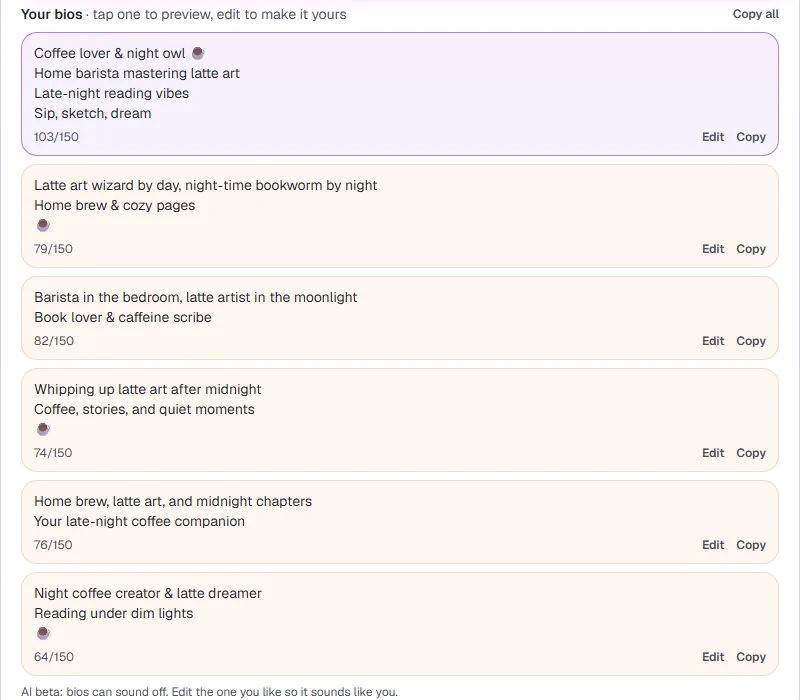
6. Check the preview, then paste it
The preview card shows the chosen bio under your name with a character bar. Press Copy bio, open the app or site, and paste it into the bio field. Check name runs a username search for your handle if you have not claimed it everywhere yet.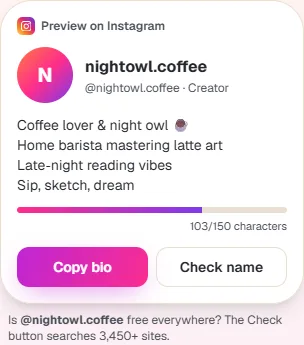
Make the bio sound like you
- Give real details in About you. "latte art, late-night reading" gives far better bios than "I like coffee".
- Keep the call to action short. One clear ask beats three.
- Change one or two words after you copy. A bio that reads like everyone else's is easy to skip.
- Still need a handle to go with it? Try the username generator guide.
FAQ
Is the AI bio generator free?
Yes, with no account. To keep it free for everyone there is a limit on how many sets you can write per hour and per day.
What happens to what I type?
Only the words in the form are sent to an AI service provider to write the bios. We do not store them. Do not type an email, phone number or address.
Why did a bio come out over the limit?
AI sometimes miscounts. The counter under each bio shows the real length; trim it with Edit before you copy.
Can I write a bio for someone else?
You can write one for a page or brand you run. Do not use the tool to pretend to be another person.
Why does it say AI is updating?
The AI part can pause for maintenance or after heavy use. Try again a little later.
More guides
Ready? It is free and needs no account.
Open the bio generator