
Spotify Username Checker
By FreeUsername · Reviewed · Editorial policy
No automatic check for Spotify. We can't check Spotify automatically, so this page is a guide: follow the steps to check a name in Spotify itself. Search the other 3,450+ sites.
Spotify is different from most apps: the username is a fixed account identifier, and the name people see on playlists is a separate display name you can edit. This page works as a Spotify username search: it looks up the username in the public profile link open.spotify.com/user/name.
Spotify username rules
| Username | A fixed identifier for your account. Spotify does not offer a way to edit it. |
|---|---|
| Login | You do not need your username to log in; you use email, phone, or the method you signed up with. |
| Display name | Replaces the username on your profile, playlists and Friend Activity, and can be edited any time. |
| Uniqueness | Display names are not unique, so two profiles can show the same name. |
Sources: Spotify Support: username and display name, Spotify Support: manage and customize your profile. Last reviewed 2026-10-13. Platforms change their rules; the linked help pages are the final word.
How to search for someone on Spotify by username
If you know the username, open open.spotify.com/user/name in a browser, or type it below and we check that link. Inside the app, Spotify Support says to search and pick the Profiles filter under the search bar, then tap Follow on the right person. That search also matches display names, which helps when the username is a random string.
A found profile only tells you a username exists. It says nothing about who owns the account, and this page does not look up real names.
How to check a Spotify username
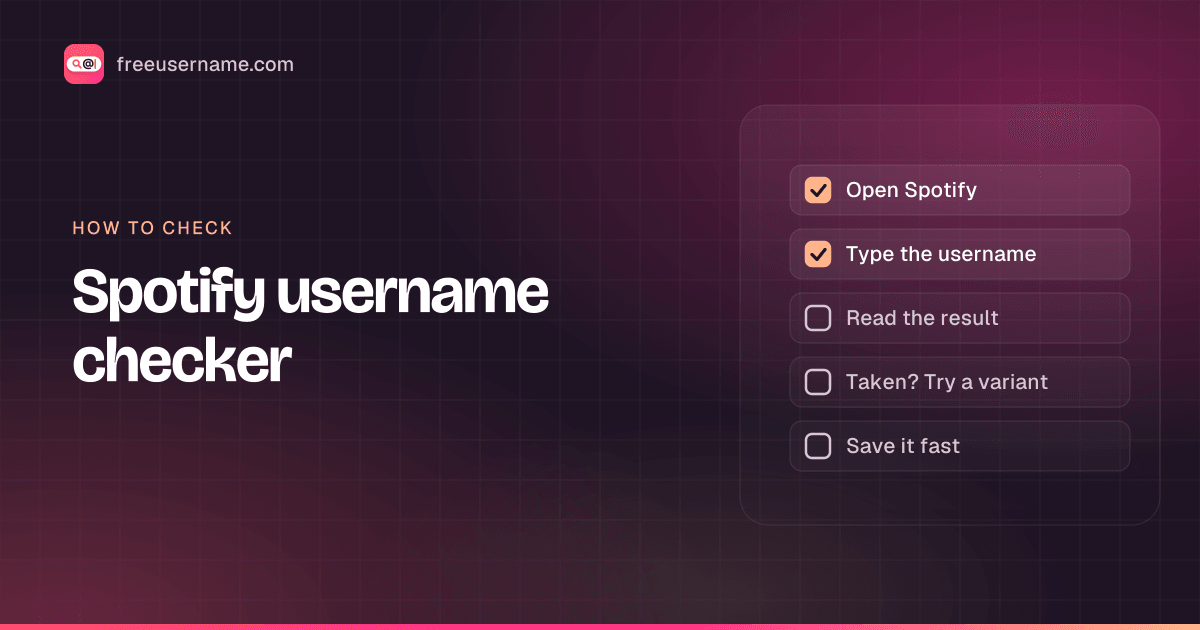
- Enter the username part of a profile link, the text after open.spotify.com/user/.
- We request open.spotify.com/user/<name>. Many newer accounts use a system-generated string as their username, so a readable name may simply not exist as anyone's username.
- You can confirm by opening open.spotify.com/user/<name> in a browser. A profile page means it exists; an error or empty page usually means it does not.
- Spotify sometimes refuses automated requests, so a "Blocked" result should be checked by hand.
Spotify username taken? What you can do
- Set the name you want as your display name instead; it does not need to be unique.
- Artists should use Spotify for Artists for their artist name, which is handled separately from user accounts.
- If someone impersonates you or your band on Spotify, use Spotify's content or impersonation reporting options.
How to change your Spotify username
- Your username cannot be edited. To change what people see, update your display name.
- Mobile: tap your profile picture, tap View profile, tap Edit, change the name, then Save.
- Desktop: click your profile picture, select Profile, click your name, edit it and Save.
Reserved and restricted names
Display names and profile content must follow Spotify's Platform Rules, which prohibit impersonating other people, artists or brands. Accounts that do can be reported and removed.
Tips
- If you signed up through Facebook, your Facebook name may appear by default; a custom Spotify display name overrides it.
- Share your profile link from the app's Share menu rather than typing a username, which may be a random string.
- Public playlists show your display name, so pick one you are happy for strangers to see.
Frequently asked questions
How do I find my Spotify username?
Open Account overview on spotify.com; your username is listed there. For a Spotify profile search of someone else, open open.spotify.com/user/username, or search their display name in the app under Profiles.
Can I change my Spotify username?
No. Spotify treats the username as a fixed account identifier. You can change your display name instead, which is what people see.
Why is my Spotify username a random string of letters and numbers?
Many accounts get a generated username at sign-up. It does not affect how you appear if you set a display name.
Can I log in to Spotify with my display name?
No. You log in with your email, phone number or the sign-up method you used.
Also check on other top platforms
Each platform has its own checker page with its own rules. Pick one to test the same name there.
 Instagram
 TikTok
 X (Twitter)
 YouTube
 Facebook
 Snapchat
 Reddit
 Pinterest
 LinkedIn
 Threads
 Telegram
 Discord
 Twitch
 GitHub
 SoundCloud
 Steam
Steam Medium
 Tumblr
 Bluesky
Check all 3,450+ sites at once with the full username search, or get the Android app to run the same search from your phone.
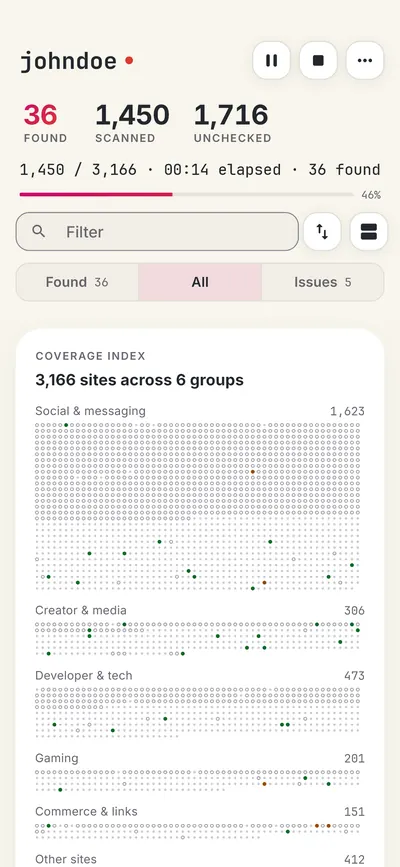
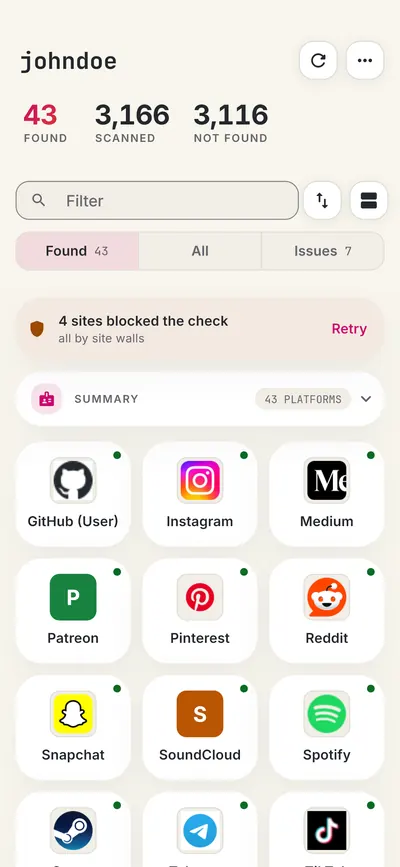
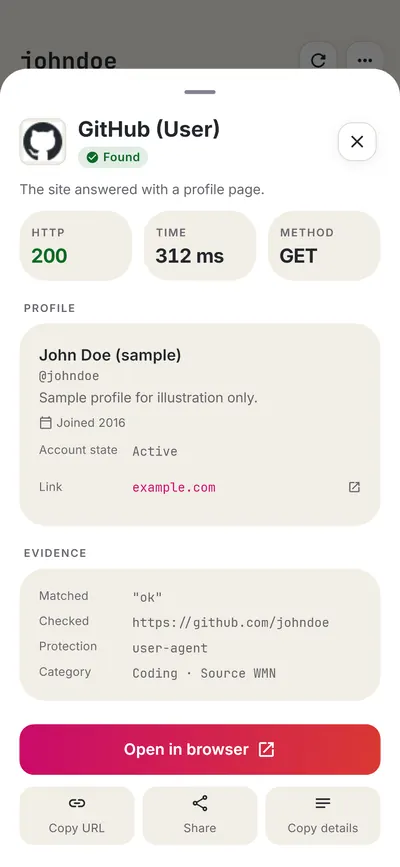
 FreeUsername: Username Checker
More creators & video username checkers
- YouTube Handle Checker
- SoundCloud Username Checker
- Kick Username Checker
- Medium Username Checker
- Tumblr Username Checker
- Flickr Username Checker
- All 14 creators & video checkers
- All platform checkers · All 3,450+ supported sites · Search every site at once
Not affiliated with Spotify. FreeUsername is an independent tool, not endorsed by Spotify, the WhatsMyName project, Sherlock or Maigret. Results are leads to verify.