
YouTube Handle Checker
By FreeUsername · Reviewed · Editorial policy
Every YouTube channel has a unique @handle that appears in youtube.com/@handle, in Shorts and in comments. It is separate from the channel name, which does not have to be unique. Check a handle below, then use YouTube's published rules to plan a backup.
YouTube handle rules
| Length | 3 to 30 characters for Latin-script handles (Han/Hangul: 1-10; Ethiopic, Hiragana and Katakana: 2-20). |
|---|---|
| Allowed characters | Letters, numbers, underscores, hyphens, periods and the Latin middle dot. Symbols cannot be the first or last character. |
| Case sensitivity | Handles are not case-sensitive. |
| Not allowed | Handles that look like a URL or a phone number, or that break the Community Guidelines. |
| Change frequency | Twice within a 14-day period. Your previous handle is held for 14 days in case you switch back. |
Sources: YouTube Help: handles overview, YouTube Help: change, view or hide your handle. Last reviewed 2026-10-13. Platforms change their rules; the linked help pages are the final word.
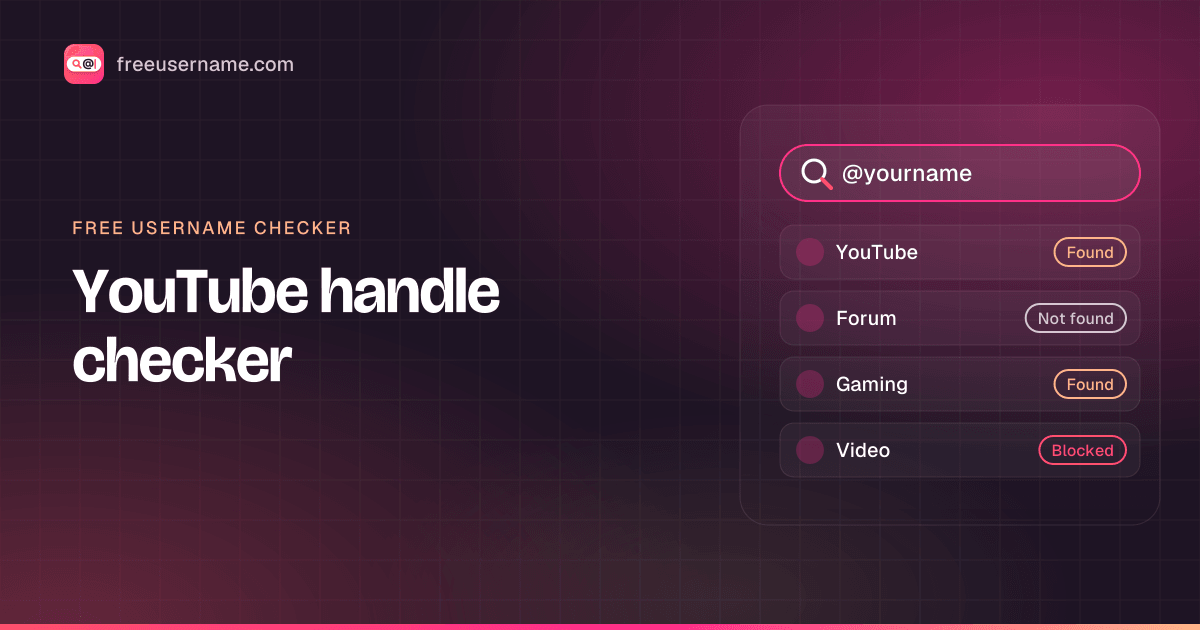
How to check a YouTube handle
- Enter the handle without the @. Capital letters make no difference, because YouTube treats handles case-insensitively.
- We request youtube.com/@<name> and look for a channel page. YouTube occasionally serves a consent or bot-check page to automated visitors, which shows up as "Blocked"; just recheck by hand.
- For a manual check, open youtube.com/@<name> in your browser. A 404 page usually means no channel uses that handle today.
- Remember the 14-day hold: a handle someone just gave up may still look free on the web but stay unavailable until the hold ends.
- To be certain, open YouTube Studio, go to Customization, then Profile, and type the handle into the Handle field.
YouTube handle taken? What you can do
- Use one of the allowed separators: a hyphen, period or underscore between words (cook-with-mia, cook.with.mia).
- Add a format word such as tv, plays, studio or clips. These also tell viewers what to expect.
- If someone uses a handle to impersonate you or your brand, report the channel through YouTube's impersonation or trademark forms; YouTube says it can reclaim or remove handles.
- Wait and recheck: when a creator changes handles, the old one becomes available to others after the 14-day hold.
How to change your YouTube handle
- Sign in to YouTube Studio.
- From the left menu, select Customization, then Profile.
- Under Handle, type the new handle and wait for the availability check.
- Click Publish. Both URLs work for 14 days, then the old handle is released.
Reserved and restricted names
YouTube reserves the right to change, reclaim or remove a handle at any time. Selling or transferring handles is not allowed, and handles that impersonate people or brands can be taken back.
Tips
- Handles show up next to your comments across YouTube, so a readable one works like free advertising.
- Changing a handle changes your youtube.com/@ link. Old links work only during the 14-day hold, so update descriptions and bios quickly.
- Legacy /c/ and /user/ channel addresses are separate from handles; owning one of those does not reserve the matching @handle.
Frequently asked questions
How do I find a YouTube channel by username?
Open youtube.com/@handle, or type the handle above to see whether a channel uses it. For a YouTube user search by channel name, use the YouTube search bar and filter by Channels, because channel names can repeat.
Is a YouTube handle the same as a channel name?
No. The handle is unique and appears in your @ link; the channel name is a display name and several channels can share it.
How often can I change my YouTube handle?
Twice within 14 days. YouTube holds your previous handle for 14 days so you can switch back.
Can a YouTube handle start with a period or hyphen?
No. Underscores, hyphens, periods and middle dots are allowed, but not at the beginning or end.
Also check on other top platforms
Each platform has its own checker page with its own rules. Pick one to test the same name there.
 Instagram
 TikTok
 X (Twitter)
 Facebook
 Snapchat
 Reddit
 Pinterest
 LinkedIn
 Threads
 Telegram
 Discord
 Twitch
 GitHub
 Spotify
 SoundCloud
 Steam
Steam Medium
 Tumblr
 Bluesky
Check all 3,450+ sites at once with the full username search, or get the Android app to run the same search from your phone.
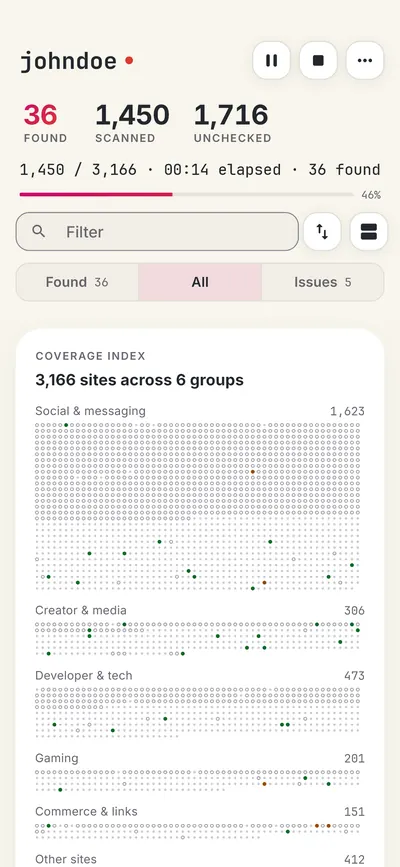
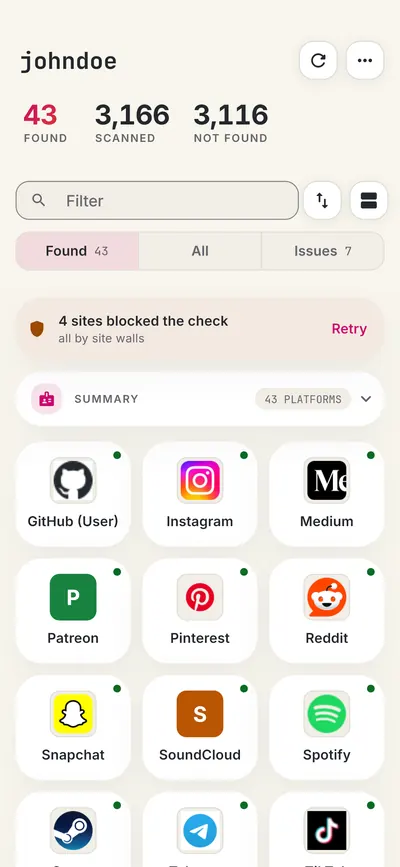
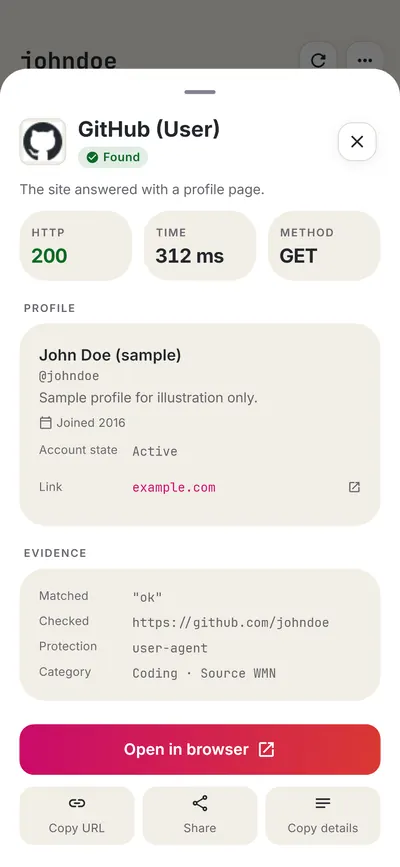
 FreeUsername: Username Checker
More creators & video username checkers
- Spotify Username Checker
- Kick Username Checker
- Medium Username Checker
- SoundCloud Username Checker
- Tumblr Username Checker
- Flickr Username Checker
- All 14 creators & video checkers
- All platform checkers · All 3,450+ supported sites · Search every site at once
Not affiliated with YouTube. FreeUsername is an independent tool, not endorsed by YouTube, the WhatsMyName project, Sherlock or Maigret. Results are leads to verify.