
WhatsApp Username Checker: Rules and How to Check a Name
By FreeUsername · Reviewed · Editorial policy
WhatsApp blocks automatic checks, so search the same name on 3,450+ other sites here, free and with no sign-up.
To check WhatsApp itself: follow the steps below or try the name on WhatsApp.
| Min length | 3 |
|---|---|
| Max length | 35 |
| Allowed characters | Lowercase letters a-z, numbers 0-9, underscore and period |
| Profile URL format | wa.me/username |
WhatsApp is rolling out usernames: an optional @name that lets people message you without seeing your phone number. Usernames are unique, so popular names go fast, and where they are not live yet you can reserve one now. WhatsApp has no public profiles, so the check happens in the app. Use the search above to see if the same handle is free on 3,450+ other sites.
WhatsApp username rules
| Length | Between 3 and 35 characters. |
|---|---|
| Allowed characters | Lowercase letters a to z, numbers 0 to 9, underscores (_) and periods (.). |
| Numbers only | Not allowed: a username can't contain only numbers. |
| Unique | Every username belongs to one account. Your display name does not have to be unique, but your username does. |
| Restricted words | Usernames can't contain restricted words or phrases. |
| Changing | There is a limit to how many times you can change it. Your old username may then become available to others. |
| Deleting | After you delete a username you have 14 days to reclaim it before others can take it. |
Sources: WhatsApp Help: How to create and manage your username, WhatsApp Help: About usernames, WhatsApp Help: About username reservations, WhatsApp Help: How to add and manage your username key, WhatsApp Help: How to contact someone by username, WhatsApp Help: Troubleshoot username issues. Last reviewed 2026-11-15. Platforms change their rules; the linked help pages are the final word.
How to check a WhatsApp username
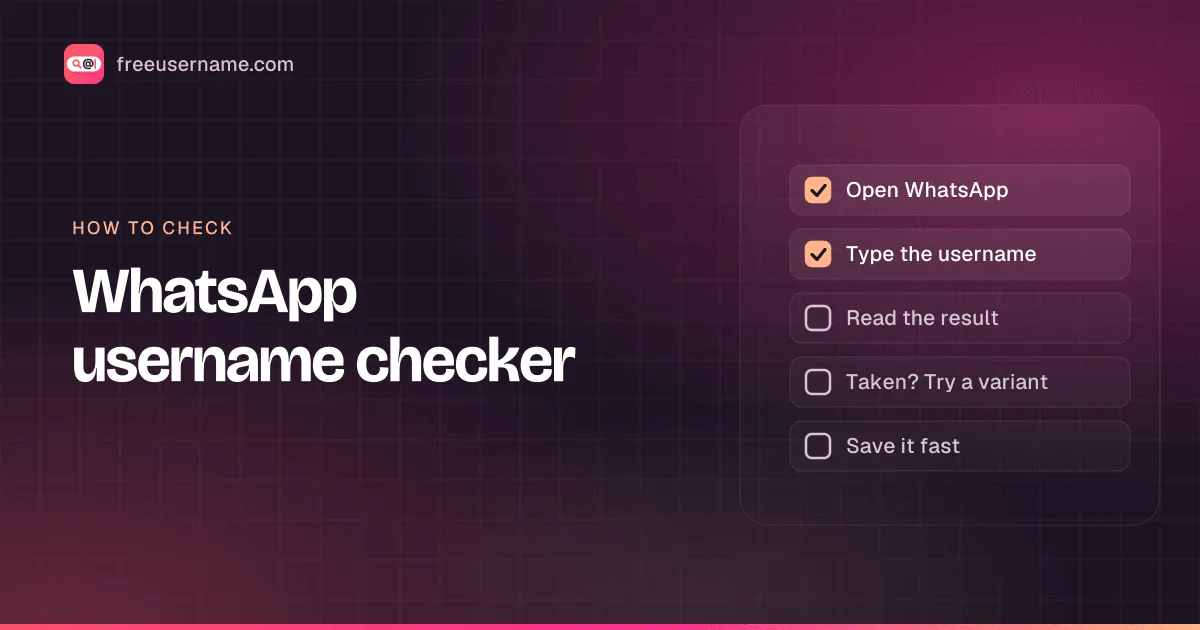
- Update WhatsApp, open Settings and tap your profile.
- Tap Create username (or Reserve username where usernames are still rolling out), then type the name you want.
- WhatsApp confirms if the name is available. If it is not, you can ask for suggestions based on what you typed.
- There is no web check: WhatsApp has no public profile pages, and a wa.me/name link opens the same page whether the name exists or not.
WhatsApp username taken? What you can do
- Add a number, underscore or period, as WhatsApp suggests (for example janedoe_london or janedoe1).
- Tap Suggest a username to get ideas based on the name you typed.
- If you own the same name on Instagram or Facebook, add WhatsApp to the same Meta Account and choose Use Instagram username or Use Facebook username.
- If you saw "This username is not available", it may be held for the owner of that name on Instagram or Facebook.
How to change your WhatsApp username
- Open Settings and tap the area around your profile photo.
- Tap Username, then Edit, then Change username.
- Type the new name, then tap Save and Continue.
- To delete it: Username, Edit, Delete username. You can reclaim it within 14 days.
Reserved and restricted names
Usernames can't contain restricted words or phrases. A name in use on Instagram or Facebook is held for the owner of that profile, who can claim it on WhatsApp through the same Meta Account. If different people use the same name on Instagram and Facebook, the first one to claim it on WhatsApp gets it.
Tips
- Reserve your name early: reservations are first come, first served, and a reserved name is held until usernames launch in your region.
- Turn on a username key if you want strangers to need both your username and a short code before they can message you.
- Share wa.me/yourname or your QR code instead of your phone number.
- Keep the same handle on WhatsApp, Instagram and the rest so people can find you everywhere.
Frequently asked questions
Is there a WhatsApp username finder?
Not on the web. WhatsApp has no public profile pages and no public search, so no website can find WhatsApp users or check if a username exists. Inside the app, you can start a new chat and type someone's exact username to reach them. Our blog post on WhatsApp username search explains how usernames and contacting people work.
How do I find someone on WhatsApp by username?
Tap New chat, then the search bar, and type their full, exact username. If it exists you can start a chat. If they set up a username key, you also need that key the first time, so ask them for it.
What is a WhatsApp username key?
An optional code that controls who can contact you by username. With a key turned on, people who have not messaged you before need both your username and your key. People who have your number saved, share a group with you, scanned your QR code or already chatted with you do not need it.
How do I check if a WhatsApp username is available?
In WhatsApp, open Settings, tap your profile, then Create username (or Reserve username) and type it. WhatsApp tells you at once if it is available.
How do I reserve a WhatsApp username?
Where usernames are not live yet, open Settings, tap your profile and choose Reserve username. The name is held for you, nobody can see it or contact you by it yet, and WhatsApp notifies you when it becomes active.
What are the WhatsApp username rules?
Between 3 and 35 characters, using lowercase letters a to z, numbers, underscores and periods. It can't be only numbers, must be unique and can't contain restricted words.
Can I use my Instagram username on WhatsApp?
Yes, if it is not already taken: add WhatsApp to the same Meta Account and choose Use Instagram username or Use Facebook username when creating your username.
Why does WhatsApp say "This username is not available"?
The name may be held because someone uses it on Instagram or Facebook, or a reservation was interrupted, for example by a network problem. "Username is taken" means someone else already claimed it.
Will people still see my phone number?
People who do not have your number saved see your username instead. People who already have your number can still contact you by it, and a phone number is still needed for a WhatsApp account.
Can I check a WhatsApp username with this tool?
No. WhatsApp usernames can only be checked in the WhatsApp app. This page checks the same handle on 3,450+ other websites and social networks, so you can claim one name everywhere.
Also check on other top platforms
Each platform has its own checker page with its own rules. Pick one to test the same name there.
 Instagram
 TikTok
 X (Twitter)
 YouTube
 Facebook
 Snapchat
 Reddit
 Pinterest
 LinkedIn
 Threads
 Telegram
 Discord
 Twitch
 GitHub
 Spotify
 SoundCloud
 Steam
 Medium
 Tumblr
 Bluesky
Use the free username search to check all 3,450+ sites at once, or get the Android app to run the same search from your phone.
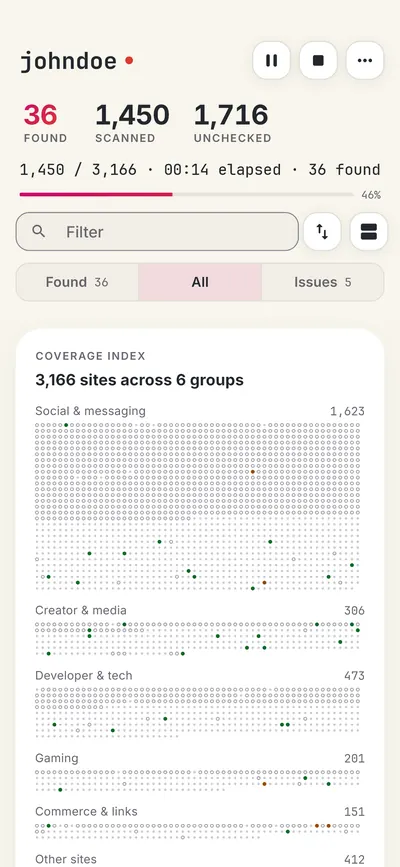
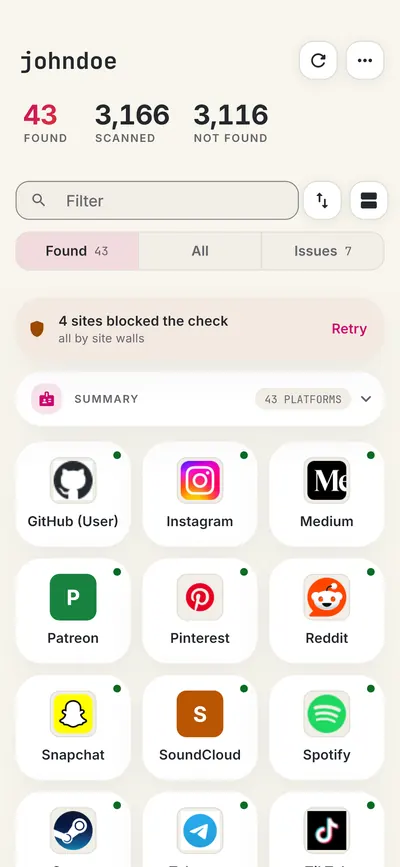
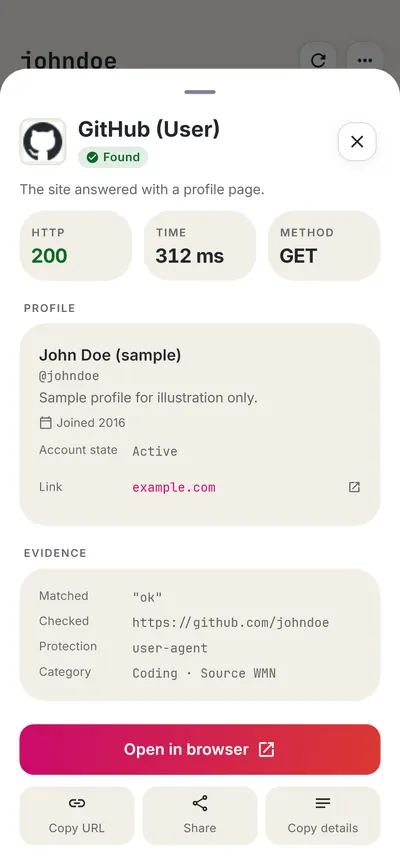
 FreeUsername: Username Checker

More social media username checkers
- Telegram Username Checker
- Instagram Username Checker
- Facebook Username Checker
- Snapchat Username Checker
- Discord Username Checker
- Threads Username Checker
- All 23 social media checkers
- All platform checkers · All 3,450+ supported sites · Search every site at once
Not affiliated with WhatsApp. FreeUsername is an independent tool, not endorsed by WhatsApp, the WhatsMyName project, Sherlock or Maigret. Results are leads to verify.