
GitLab Username Checker
By FreeUsername · Reviewed · Editorial policy
On GitLab.com your username is also your namespace: it sits in gitlab.com/name and in the path of every personal project. Groups and users share that namespace, so a group can hold the name you want too. Use this page as a GitLab username search: type a name below to ask GitLab's public API whether a user has it.
GitLab username rules
| Length | 2 to 255 characters. One-character namespaces are no longer possible on GitLab.com. |
|---|---|
| Allowed characters | Non-accented letters, digits, underscores, hyphens and periods. No emoji. |
| Start and end | Cannot start with _, - or a period, and cannot end with a period or with a file extension such as .git, .atom or .png. Consecutive special characters are not allowed. |
| Reserved names | System routes such as admin, api, help, explore, users and dashboard are reserved, and a username cannot start with one of them followed by a period. |
| Renames | Old URLs redirect to the new ones until someone else claims the old path. |
Sources: GitLab Docs: change your username, GitLab Docs: reserved project and group names, GitLab Docs: repository path changes and redirects, GitLab Support: GitLab.com specific policies (name squatting). Last reviewed 2026-10-14. Platforms change their rules; the linked help pages are the final word.
How to search for someone on GitLab by username
Open gitlab.com/name to see a user or group profile directly. GitLab's public users API, documented in the GitLab docs, also takes a search term and matches it against usernames, names and public emails. Our check uses the exact-username version of that API.
Remember that a 404 at gitlab.com/name means neither a user nor a group holds the name. This page does not look up real names.
How to check a GitLab username
- Enter the username without the @ or the gitlab.com/ part. If it starts with a period or ends in .git, GitLab will reject it before it ever checks availability.
- We ask GitLab's public users API (api/v4/users?username=) whether a user owns the name. The API needs no login and rarely blocks, so this check usually gives a clear answer.
- The API only covers users. A group can own the same namespace, so open gitlab.com/<name> in your browser as well: a 404 page there means neither a user nor a group is using it.
- The final answer is the Username field in User settings, which runs GitLab's own availability check when you try to save.
GitLab username taken? What you can do
- Try a separator GitLab allows in the middle of a name: mia-dev, mia.dev or mia_dev. Remember the name cannot end with a period.
- If you already use the name on GitHub or a package registry, consider matching it there instead of picking a near miss. Developers often search for the same handle across forges.
- GitLab forbids name squatting and can release a namespace on request from a member of a paid namespace. A user namespace qualifies only if its owner has not signed in for at least two years and is not the sole owner of an active project.
- Unconfirmed accounts older than 90 days and empty groups older than six months are eligible for release straight away under the same policy.
How to change your GitLab username
- Sign in to GitLab and open your avatar menu, then Edit profile (User settings).
- Select Account and find the Change username section.
- Type the new username and confirm. GitLab updates the URLs of your personal projects at the same time.
- Renaming is blocked while your namespace has projects with Container Registry tags or hosts GitLab Pages, so deal with those first.
Reserved and restricted names
GitLab keeps a public list of reserved top-level names, such as admin, api, assets, explore, groups, help, login, projects, search, users and v2, plus files like robots.txt and sitemap.xml. Usernames also cannot begin with one of those routes followed by a period, so admin.mia is refused while adminmia is fine.
Tips
- After a rename, push and pull still work through the redirect, but update your git remotes anyway. The redirect disappears the moment someone else claims your old name.
- API clients may not follow redirects on their own, so scripts that call the old path can fail after a rename.
- If you plan to publish packages or Pages sites, pick the final name before you set them up; both block renames later.
Frequently asked questions
How long can a GitLab username be?
Between 2 and 255 characters, using non-accented letters, digits, underscores, hyphens and periods.
Does my old GitLab URL keep working after I change my username?
Yes, GitLab redirects the old namespace and project URLs to the new ones, but only until another user, group or project claims the old path.
Can I get a GitLab username from an inactive account?
Sometimes. GitLab's name squatting policy lets members of paid namespaces request a release. For a user namespace, the owner must not have signed in for at least two years and must not be the sole owner of an active project.
Can a group and a user have the same GitLab name?
No. Users and groups share one namespace on GitLab.com, so a group name blocks the same username and the other way round.
Also check on other top platforms
Each platform has its own checker page with its own rules. Pick one to test the same name there.
 Instagram
 TikTok
 X (Twitter)
 YouTube
 Facebook
 Snapchat
 Reddit
 Pinterest
 LinkedIn
 Threads
 Telegram
 Discord
 Twitch
 GitHub
 Spotify
 SoundCloud
 Steam
Steam Medium
 Tumblr
 Bluesky
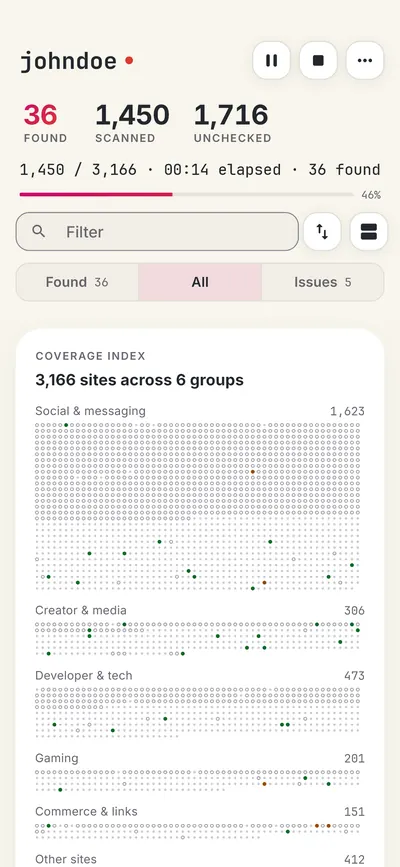
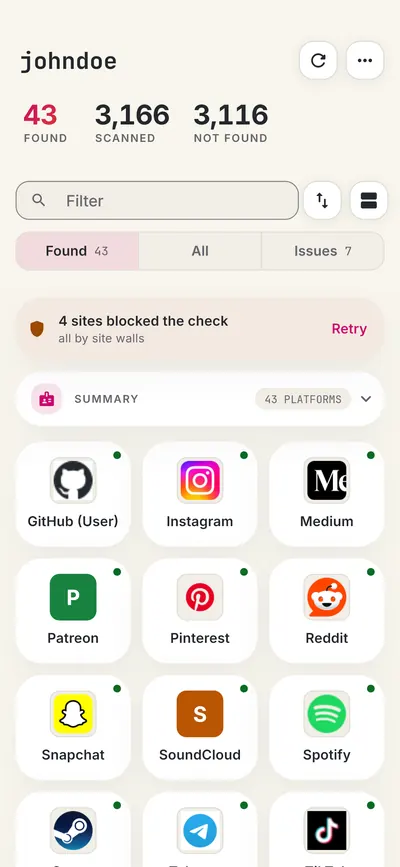
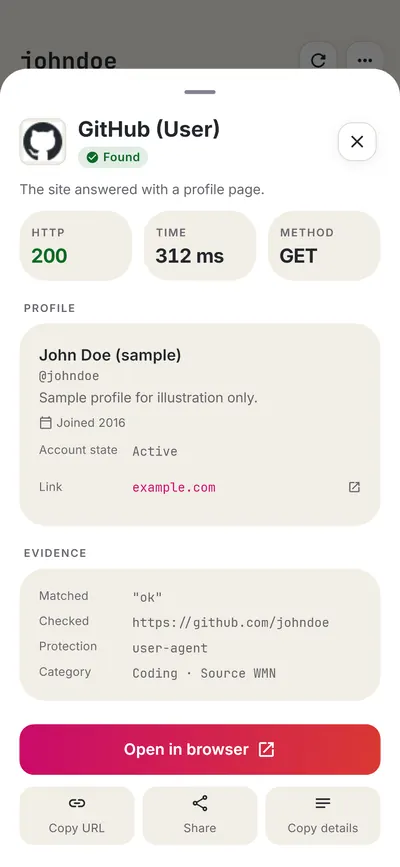
Check all 3,450+ sites at once with the full username search, or get the Android app to run the same search from your phone.
 FreeUsername: Username Checker
More shopping & other username checkers
- GitHub Username Checker
- Etsy Username Checker
- Venmo Username Checker
- Patreon Username Checker
- eBay Username Checker
- Ko-fi Username Checker
- All 9 shopping & other checkers
- All platform checkers · All 3,450+ supported sites · Search every site at once
Not affiliated with GitLab. FreeUsername is an independent tool, not endorsed by GitLab, the WhatsMyName project, Sherlock or Maigret. Results are leads to verify.