
PlayStation Online ID Checker
By FreeUsername · Reviewed · Editorial policy
No automatic check for PlayStation. We can't check PlayStation automatically, so this page is a guide: follow the steps to check a name in PlayStation itself. Search the other 3,450+ sites.
Your PlayStation online ID is the public name other players see on PSN, in party chat and on trophy lists. The first change is free, but later ones cost money, so it is smart to research an ID before switching. Enter one below for a quick PlayStation username search.
PlayStation Online ID rules
| Cost | The first online ID change is free; additional changes are charged. |
|---|---|
| Change frequency | You can change your online ID as many times as you want, paying after the first change. |
| Reverting | You can go back to your original online ID for free. |
| Old ID display | You can choose to show your previous online ID on your profile for 30 days. |
| Format | PlayStation's help pages do not publish the length or character rules; the sign-up screen checks them as you type (3 to 16 letters, numbers, hyphens and underscores is widely reported). |
Sources: PlayStation Support: change your online ID. Last reviewed 2026-10-13. Platforms change their rules; the linked help pages are the final word.
How to search for someone on PlayStation by username
PSN has no public profile page you can open by online ID, so the search runs on your console. On PS5, PlayStation Support says to open Friends, pick the Search tab, type the online ID and choose Add to Friends. On PS4 it is Friends, then Add Friend. What you see depends on the other player's privacy settings, so a missing result does not prove the ID is free.
Our check cannot reach Sony either, so the result here is always "Unknown" and needs checking by hand on PlayStation. It does not look up real names. To see whether the same name shows up on other sites, try our full username search.
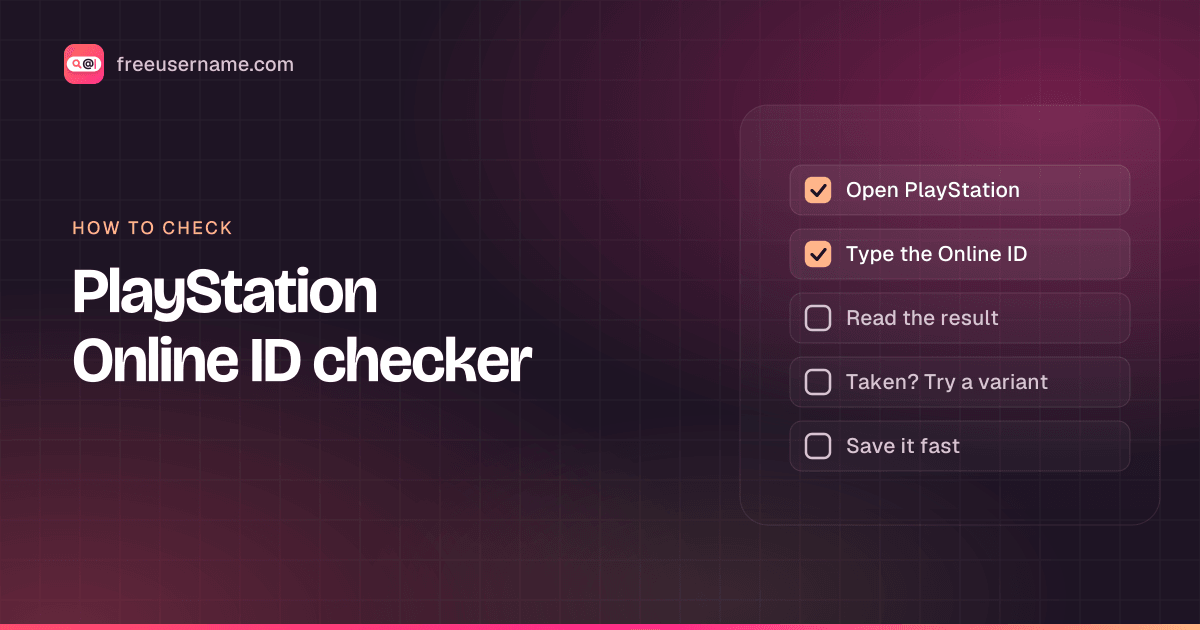
How to check a PlayStation Online ID
- Type the online ID you want, using letters, numbers, hyphens or underscores.
- Sony does not offer a public profile page we can query, and the fan-run trophy sites that list players block automated requests. Our result is always "Unknown" with a note to check by hand.
- The reliable check is PlayStation itself: on PS5 go to Settings, Users and Accounts, Account, Profile, Online ID, and type the name; or use account management on the web.
- If the ID belonged to someone who later changed it, it may still be unavailable, so trust the PlayStation screen over any lookup.
PlayStation Online ID taken? What you can do
- Swap in a hyphen or underscore between words (Mia_Plays, Mia-Plays).
- Add a short number that means something to you, rather than random digits.
- If you already changed your ID and regret it, revert to your original one for free.
- Report players who impersonate you or PlayStation staff through the in-console report option.
How to change your PlayStation Online ID
- On PS5, go to Settings, then Users and Accounts, Account, Profile, Online ID.
- On the web, sign in to account management, select Profile, then Edit next to your online ID.
- Enter a new ID and check availability; optionally show your old ID for 30 days.
- Confirm. The first change is free; later changes go through checkout.
Reserved and restricted names
Online IDs must follow the PlayStation Network community rules, so offensive IDs or ones that impersonate Sony staff or other players can be reset by PlayStation.
Tips
- Some PS4 games may have issues after an online ID change; PlayStation says reverting to your original ID should fix most problems.
- Turn on the 30-day old-ID display so friends recognize you after the switch.
- Your sign-in email stays the same when you change your online ID.
Frequently asked questions
Is this a PlayStation name checker?
It is a guide. Sony offers no public page we can query, so the result is always "Unknown". For a PlayStation profile search, use Search on your console or in the PlayStation App and type the online ID.
Is changing my PSN online ID free?
The first change is free. Additional changes cost money, but reverting to your original ID is free.
Will my PS4 games break if I change my online ID?
Some PS4 games may have issues. PlayStation says reverting to your original online ID should resolve most of them.
Can my friends still find me after I change my online ID?
Yes. You stay on their friends lists, and you can display your previous ID on your profile for 30 days.
Also check on other top platforms
Each platform has its own checker page with its own rules. Pick one to test the same name there.
 Instagram
 TikTok
 X (Twitter)
 YouTube
 Facebook
 Snapchat
 Reddit
 Pinterest
 LinkedIn
 Threads
 Telegram
 Discord
 Twitch
 GitHub
 Spotify
 SoundCloud
 Steam
Steam Medium
 Tumblr
 Bluesky
Check all 3,450+ sites at once with the full username search, or get the Android app to run the same search from your phone.
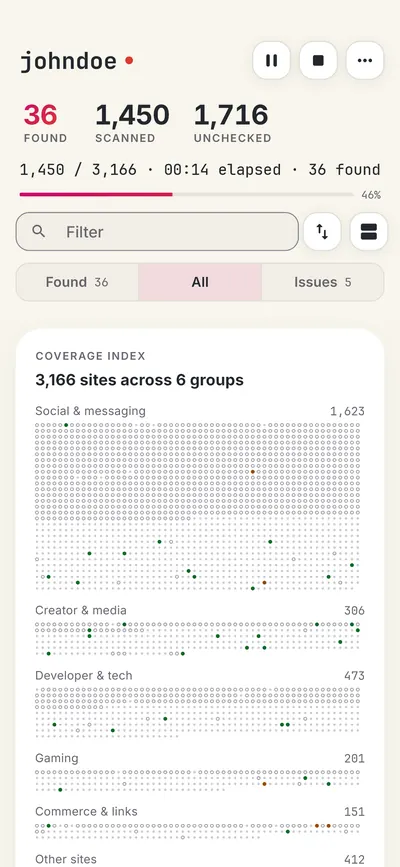
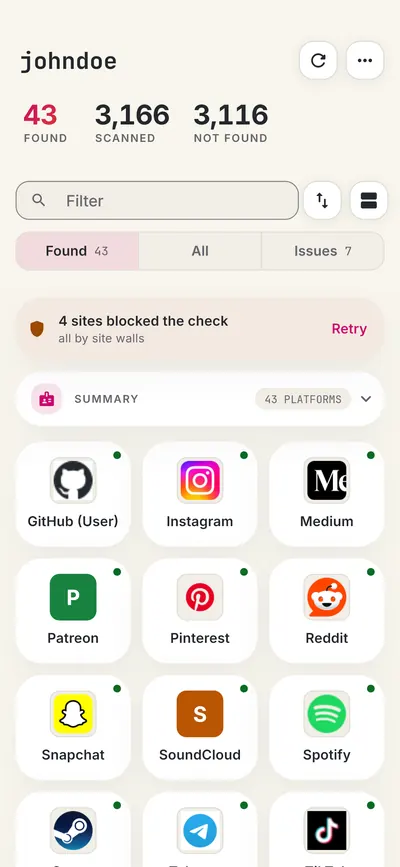
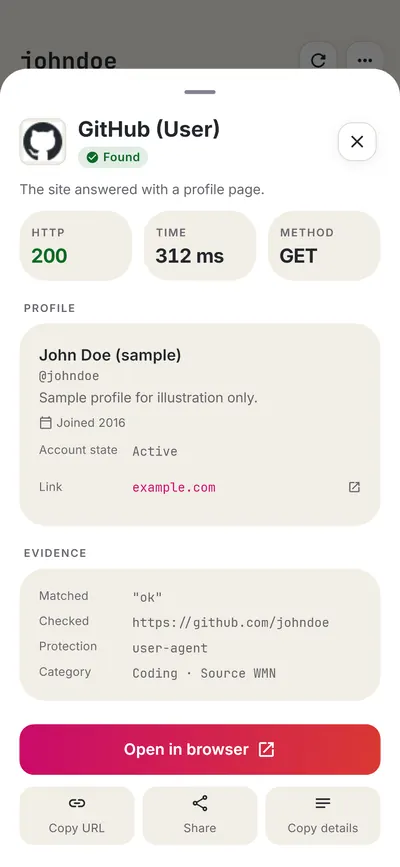
 FreeUsername: Username Checker
More gaming username checkers
- Xbox Gamertag Checker
- Steam Username Checker
- Roblox Username Checker
- Twitch Username Checker
- Chess.com Username Checker
- Fortnite Name Checker
- All 20 gaming checkers
- All platform checkers · All 3,450+ supported sites · Search every site at once
Not affiliated with PlayStation. FreeUsername is an independent tool, not endorsed by PlayStation, the WhatsMyName project, Sherlock or Maigret. Results are leads to verify.