
Xbox Gamertag Search, Lookup & Checker
By FreeUsername · Reviewed · Editorial policy
No automatic check for Xbox. We can't check Xbox automatically, so this page is a guide: follow the steps to check a name in Xbox itself. Search the other 3,450+ sites.
Your Xbox gamertag is how players find you across Xbox consoles, PC and mobile. Xbox now adds a numeric suffix when your chosen name is already used, so plenty of players want a clean, suffix-free tag. Use this page for an Xbox username search or to look a tag up before you spend your free change.
Xbox gamertag rules
| Length | Up to 15 characters, including spaces. |
|---|---|
| Suffixes | If the name is already taken, Xbox can add a number suffix (for example #1234) so the gamertag is still unique. |
| Cost | Your first gamertag change is free; later changes are charged. |
| Content | Gamertags must follow the Community Standards for Xbox. |
Sources: Xbox Support: how to change your gamertag, Xbox Support: gamertag FAQ, Community Standards for Xbox. Last reviewed 2026-10-13. Platforms change their rules; the linked help pages are the final word.
How to look up an Xbox gamertag
On an Xbox console, press the Xbox button, open People & community, choose Find someone and type the gamertag. In the Xbox app on a phone or PC, use the search box to find players by gamertag. Both show the public profile if the player allows it.
Type the full gamertag, including any number suffix such as #1234, or you may land on a different player with the same name. To see whether a gamertag is free before you change yours, run it through the checker above.
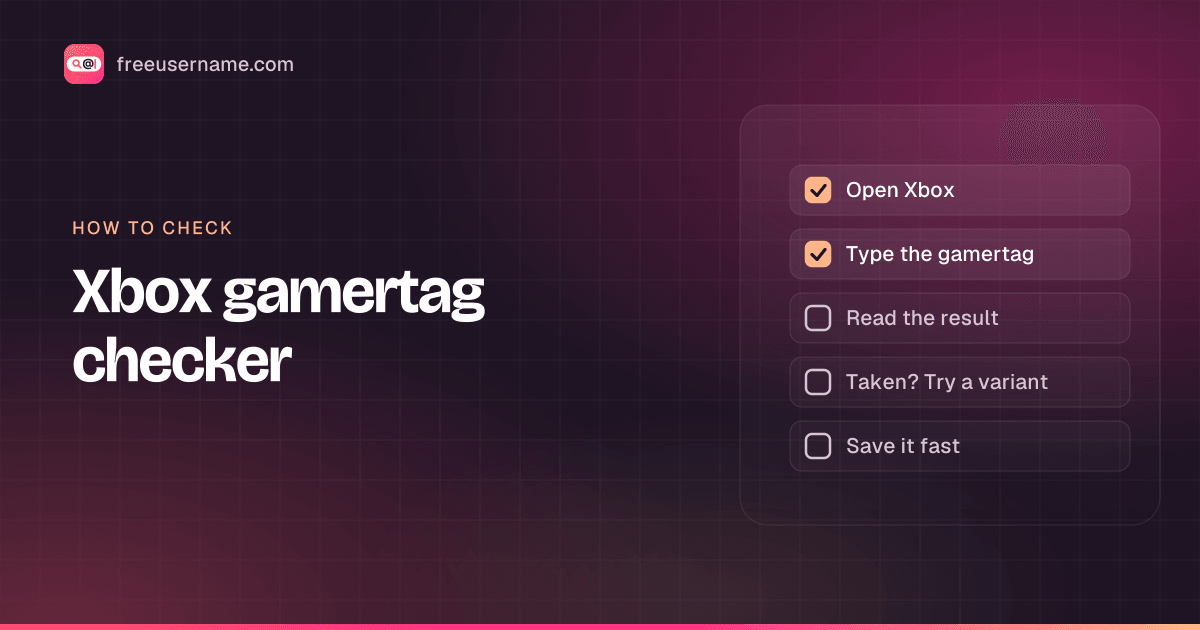
How to check a Xbox gamertag
- Enter the gamertag without a suffix. Spaces count toward the 15-character limit.
- Xbox has no public profile URL we can query, and the third-party gamertag lookups we tried (xboxgamertag.com among them) all sit behind a bot check. Our result is always "Unknown" with a note to check by hand.
- To confirm, search the gamertag in the Xbox app or on your console under Find people.
- The gamertag change page on xbox.com shows whether the name is free or will get a suffix before you confirm anything.
Xbox gamertag taken? What you can do
- Accept a suffix. Your gamertag still shows as the name you chose, with the number used where uniqueness matters.
- Try spacing variations, since spaces count as characters: "Mia Plays" versus "MiaPlays."
- Add a short tag like TV, GG or a number of your own choosing within the 15-character limit.
- If a gamertag impersonates you, report the profile through Xbox safety reporting tools.
How to change your Xbox gamertag
- Sign in at xbox.com and open the gamertag change page, or go to Profile & system on your console.
- Enter the new gamertag and check availability.
- Review how it will appear, with or without a suffix.
- Confirm the change. The first one is free; later changes cost money.
Reserved and restricted names
Gamertags that break the Community Standards for Xbox, including offensive names or ones that impersonate Xbox staff or other players, may be reset, and the account can be asked to pick a new gamertag.
Tips
- Spend your free change carefully, because every later change is charged.
- Players with older, suffix-free gamertags keep them; changing yours means you may lose that clean version.
- Friends who search by your exact gamertag including suffix will find you fastest, so share it in full.
Frequently asked questions
Is there an Xbox account finder or gamertag lookup that works outside Xbox?
Not one we can rely on. The third-party lookups we tried block automated requests, so our result for Xbox is always "Unknown". For an Xbox profile search, use Find people in the Xbox app or on your console. To check an Xbox gamertag for a rename, use the gamertag change page on xbox.com.
How long can an Xbox gamertag be?
Up to 15 characters, and spaces count toward that limit.
Why does my gamertag have a number like #1234?
If someone already uses the gamertag you picked, Xbox adds a numeric suffix so yours is still unique.
Is changing my gamertag free?
Your first change is free. Xbox charges for changes after that.
How do I search for someone on Xbox by username?
Xbox has no public profile page for a gamertag, so the search happens inside Xbox. Xbox Support says you need the player's gamertag to add them: press the Xbox button, go to People and type it, including any #suffix. The Xbox app has the same friend search. This page cannot tell you whether a gamertag is taken (our result is always Unknown, so check by hand), and it does not look up real names. To see which other sites use the same name, run a reverse username lookup.
Is this a XUID checker?
No. A XUID (Xbox user ID) is the numeric ID Xbox gives each account behind the scenes, and it stays the same when you change your gamertag. This tool checks gamertags, the public names players see, and cannot look up or convert XUIDs.
Also check on other top platforms
Each platform has its own checker page with its own rules. Pick one to test the same name there.
 Instagram
 TikTok
 X (Twitter)
 YouTube
 Facebook
 Snapchat
 Reddit
 Pinterest
 LinkedIn
 Threads
 Telegram
 Discord
 Twitch
 GitHub
 Spotify
 SoundCloud
 Steam
Steam Medium
 Tumblr
 Bluesky
Check all 3,450+ sites at once with the full username search, or get the Android app to run the same search from your phone.
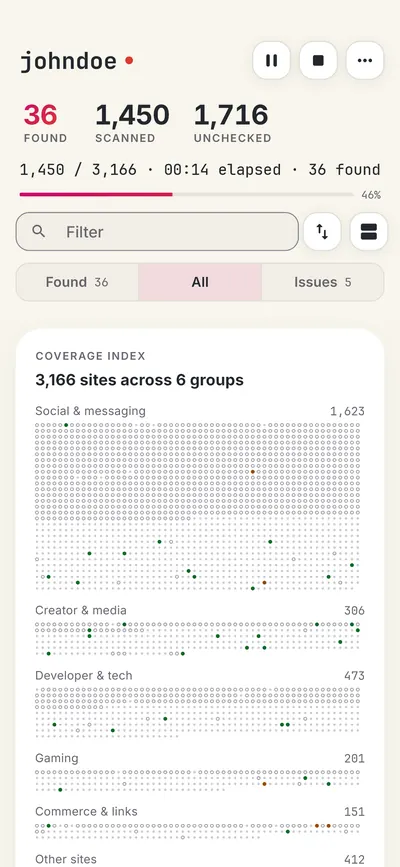
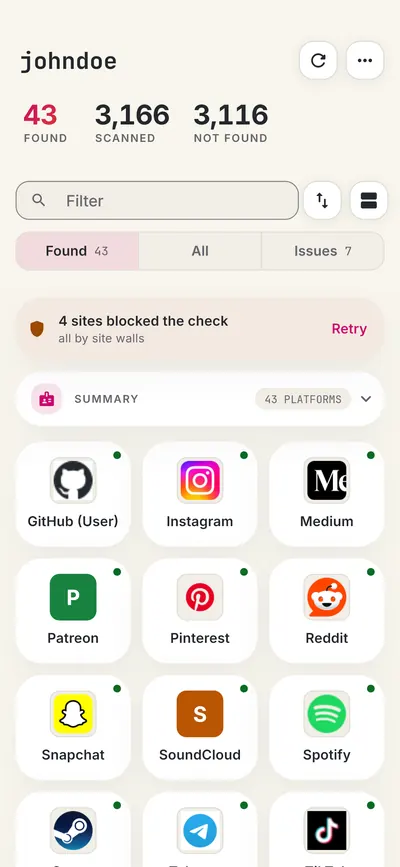
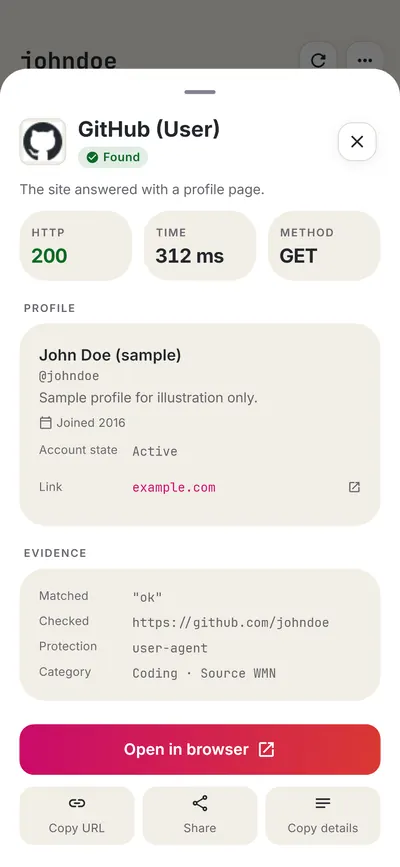
 FreeUsername: Username Checker
More gaming username checkers
- PlayStation Online ID Checker
- Steam Username Checker
- Roblox Username Checker
- Twitch Username Checker
- Chess.com Username Checker
- Fortnite Name Checker
- All 20 gaming checkers
- All platform checkers · All 3,450+ supported sites · Search every site at once
Not affiliated with Xbox. FreeUsername is an independent tool, not endorsed by Xbox, the WhatsMyName project, Sherlock or Maigret. Results are leads to verify.