
Epic Games Display name Checker
By FreeUsername · Reviewed · Editorial policy
No automatic check for Epic Games. We can't check Epic Games automatically, so this page is a guide: follow the steps to check a name in Epic Games itself. Search the other 3,450+ sites.
Your Epic Games display name is the name other players see in Fortnite, other Epic games and the Epic Games Store. It must be unique across Epic accounts. Epic has no public profile page our engine can check, so this page lists the official rules and shows where to test a name yourself. The search box checks the same name on other sites.
Epic Games display name rules
| Length | 3 to 16 characters. |
|---|---|
| Uniqueness | A display name another Epic Games account uses cannot be taken. |
| Not allowed | Vulgarity, hate speech or offensive language; references to Epic Games employees, products, services or characters; private details such as phone numbers, addresses or real names. |
| Change frequency | Once every two weeks. A verified email address is required. |
| Console names | Changing your Epic display name does not change your PlayStation or Xbox name. |
Sources: Epic Games Help: rules for creating a display name, Epic Games Help: how to change your display name, Epic Games Help: why was my display name reset?. Last reviewed 2026-10-14. Platforms change their rules; the linked help pages are the final word.
One name for your whole Epic account
Your display name belongs to your Epic account, not to a single game. You set it once in Account settings, and Epic games, the launcher and the Epic Games Store all show that name. A rename changes it in all of them, and then the two-week lock starts.
If you mostly care how the name looks in matches, lobbies and friend requests, our Fortnite name guide covers the in-game side.
How to check an Epic Games display name
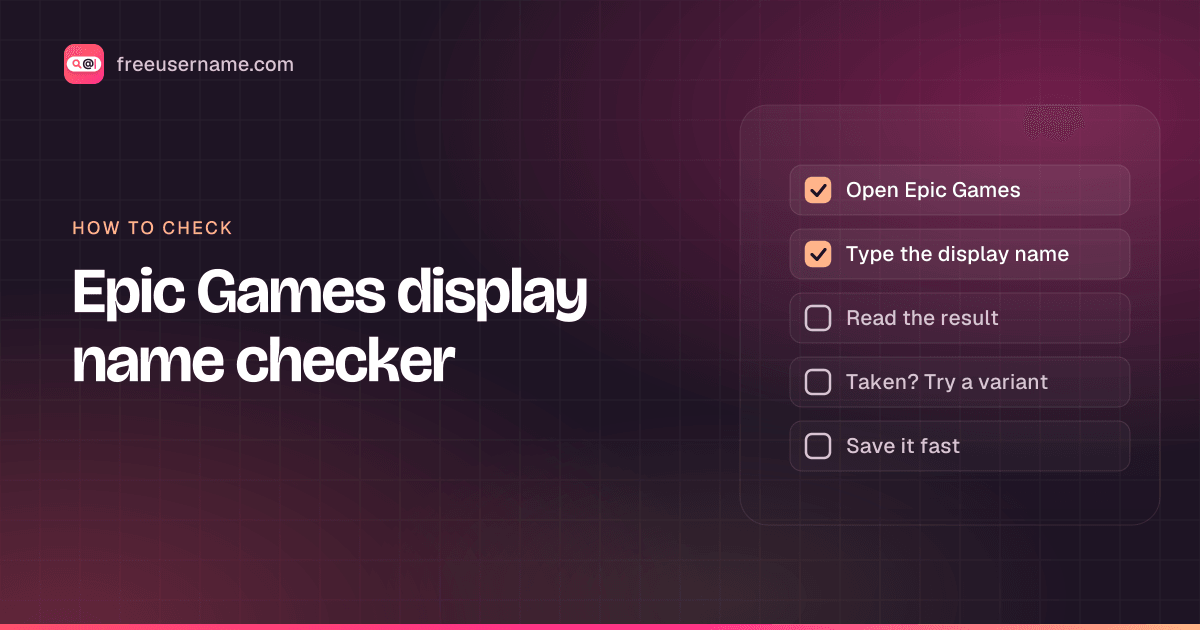
- Our engine has no automatic check for Epic display names, because Epic offers no public profile page to test.
- The real test is Epic: sign in at epicgames.com, open Account settings, and type the name in the Display name field. Epic tells you if another account has it.
- Names shorter than 3 or longer than 16 characters cannot be Epic display names, so trim before you test.
- Use the main search on this page to see whether the name is free on Discord, Twitch, Steam and other platforms.
Epic Games display name taken? What you can do
- Pick a version that also fits on Twitch, Discord or YouTube, such as QuietFernTV or Fern_GG, so one name covers your whole gaming presence.
- Because every Epic account can rename every two weeks, a taken name may be released later. Note it and test it again.
- Epic's terms ban buying, selling or sharing accounts, so a bought account is not a safe way to get a name.
- A name built on an Epic product or character will be refused or reset, so build around your own handle instead.
How to change your Epic Games display name
- Verify the email address on your Epic Games account.
- Sign in at epicgames.com and open Account settings.
- Select the edit button next to Display name, type the new name, select Continue and confirm.
- A lock icon means you changed it in the last two weeks; the info icon shows when you can change it again.
Reserved and restricted names
Epic blocks offensive names, names that reference its employees, products, services or characters, and names with private information. A name that breaks the rules can be reset to a random one. You cannot return to the reset name, and the two-week wait still applies.
Tips
- The name is tied to your Epic account, not to one game, so it follows you into every Epic title and the Epic Games Store.
- Linking a PlayStation or Xbox account to Epic does not merge the names. Your console name stays separate.
- Verify your email before you need a rename. Epic will not let you change the name without it.
Frequently asked questions
Is this an Epic Games name checker?
It is a rules guide plus a link to test it. There is no automatic Epic check, because Epic has no public profile page. Type the name in Account settings on epicgames.com to see if it is free.
How long can an Epic Games display name be?
Between 3 and 16 characters.
How often can I change my Epic display name?
Once every two weeks, with a verified email address.
Is my Epic display name the same as my Fortnite name?
Yes. Fortnite shows your Epic Games display name. Our Fortnite name page covers the Fortnite side.
What happens to my account when Epic resets my display name?
Only the name changes. Epic assigns a random one, the old name cannot be reclaimed, and the two-week wait still applies before you pick a new one. Appeals go through Epic's sanctions and appeals page.
Does linking my console account change my Epic display name?
No. Your PlayStation or Xbox name and your Epic display name stay separate, and changing one does not change the other.
Also check on other top platforms
Each platform has its own checker page with its own rules. Pick one to test the same name there.
 Instagram
 TikTok
 X (Twitter)
 YouTube
 Facebook
 Snapchat
 Reddit
 Pinterest
 LinkedIn
 Threads
 Telegram
 Discord
 Twitch
 GitHub
 Spotify
 SoundCloud
 Steam
Steam Medium
 Tumblr
 Bluesky
Check all 3,450+ sites at once with the full username search, or get the Android app to run the same search from your phone.
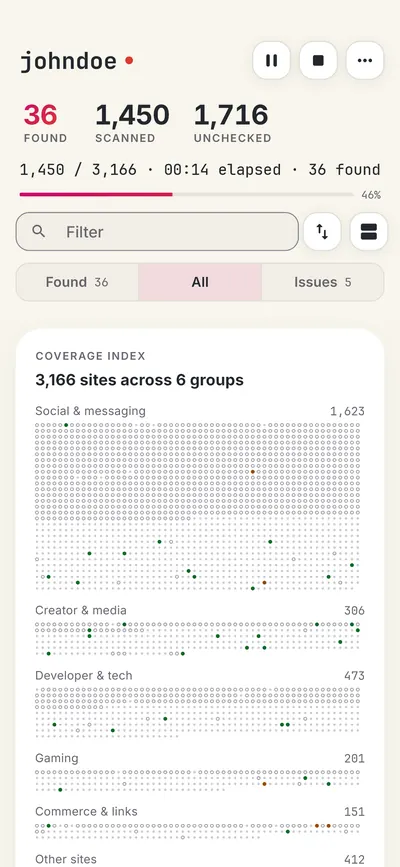
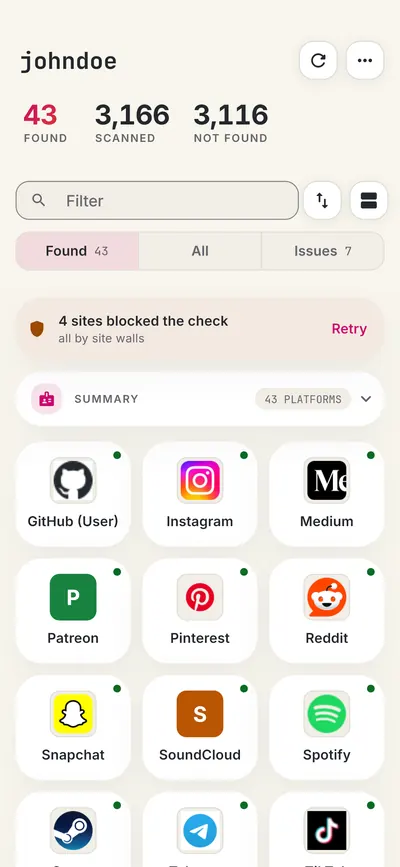
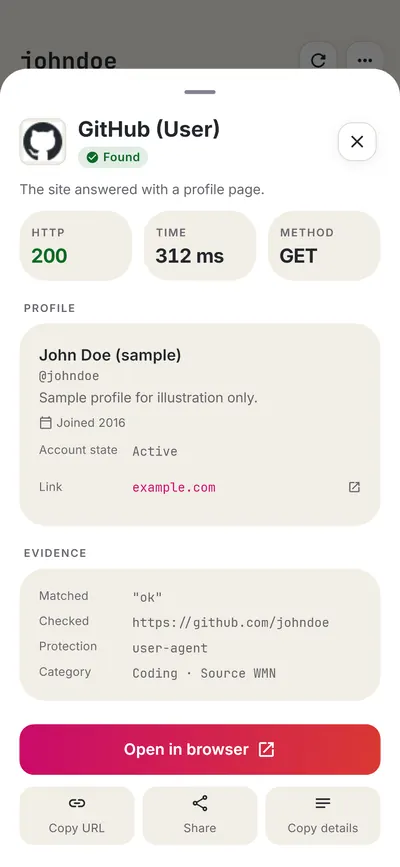
 FreeUsername: Username Checker
More gaming username checkers
- Fortnite Name Checker
- Valorant Riot ID Checker
- Call of Duty Activision ID Checker
- Steam Username Checker
- Xbox Gamertag Checker
- PlayStation Online ID Checker
- All 20 gaming checkers
- All platform checkers · All 3,450+ supported sites · Search every site at once
Not affiliated with Epic Games. FreeUsername is an independent tool, not endorsed by Epic Games, the WhatsMyName project, Sherlock or Maigret. Results are leads to verify.